Apple Watch vs Samsung Galaxy Watch: Which Ecosystem Lock-In Is Worth It
Buying a smartwatch is rarely a smartwatch decision. It's a decision about which phone you're going to keep buying for the next several years, because both the Apple Watch and the Samsung Galaxy Watch are designed to work best — and in some cases, to work at all — with one specific phone ecosystem. Apple Watch requires an iPhone; it will not pair with an Android phone in any meaningful way. Samsung's Galaxy Watch technically pairs with any Android phone, but its best features are reserved for Samsung's own Galaxy phones. Before comparing screens, sensors, or battery life, it's worth being honest that this is the real decision being made, and it's a much bigger commitment than most people treat it as.
The Ecosystem Lock-In, Explained Plainly
If you own an iPhone, this comparison is mostly academic — the Apple Watch is your only real option, since Samsung's watch simply won't function properly with iOS. If you own a Samsung Galaxy phone, the Galaxy Watch is the natural pick, syncing tightly with Samsung Health, Samsung's notification system, and features like unlocking your phone or laptop automatically when the watch is nearby. The genuinely interesting comparison is for the smaller group of people choosing both a new phone and a new watch at the same time, or Android users trying to decide whether to buy a Galaxy phone specifically to unlock the full Galaxy Watch experience.
This is the same lock-in dynamic we've written about in the context of smart home ecosystems like Google Nest and how Ring and Nest compete for the same household — once you're several devices deep into one company's ecosystem, switching costs stop being about any single gadget and start being about everything else you'd have to replace or lose functionality on at the same time. A smartwatch is often the device that locks that decision in for good, because unlike a smart speaker, you wear it every day and notice friction immediately.
Health and Fitness Tracking
Both watches have matured into genuinely capable health devices, well past the step-counter era. Apple Watch offers ECG readings, blood oxygen monitoring, fall detection, and — on recent models — features aimed at sleep apnea notifications and hypertension trends, all backed by Apple's tight integration with the Health app and a large base of compatible third-party fitness apps. The Apple Watch health tracking suite benefits enormously from Apple's years of iterating on sensor accuracy and from a developer ecosystem that treats the Health app as a genuine platform.
Samsung's Galaxy Watch counters with its own ECG and blood pressure tracking (in supported regions), body composition analysis using bioelectrical impedance — a feature Apple doesn't offer at all — and Samsung Health's increasingly sophisticated sleep coaching. For runners and swimmers specifically, both platforms are now roughly comparable in GPS accuracy and water resistance, a gap that used to favor Apple clearly but has closed over the last several generations. If body composition tracking or blood pressure trends matter to you specifically, Samsung has the edge; for the broadest and most mature app ecosystem built around your health data, Apple still leads.
Battery Life: Still Samsung's Advantage
This is the area where the gap hasn't closed. Apple Watch models routinely need daily charging — most users charge overnight or during a shower, and skipping a day isn't realistic for anyone using sleep tracking, which requires the watch to be worn while charging happens elsewhere in the routine. Samsung's Galaxy Watch, particularly in its non-LTE configurations, more commonly stretches to two or even three days per charge depending on how aggressively you use the always-on display and GPS features. If battery anxiety is a real concern for you — and for a device you're supposed to wear to sleep for tracking purposes, it's a legitimate one — Samsung's watch is meaningfully less stressful to live with day to day.
Design and Software Feel
Apple's watchOS remains the more polished, more consistent software experience, with a huge library of watch faces, complications, and third-party apps that feel genuinely native rather than shrunk-down phone apps. The rotating digital crown is still one of the best physical input methods on any wearable, and Apple's approach to notifications and Siri integration is tightly controlled and rarely buggy. Samsung's Wear OS-based interface (built in partnership with Google) has closed most of the gap in recent years, and the physical rotating bezel on higher-end Galaxy Watch models is arguably an even more satisfying way to navigate menus than Apple's crown, but the overall software polish still trails Apple by a noticeable, if shrinking, margin.
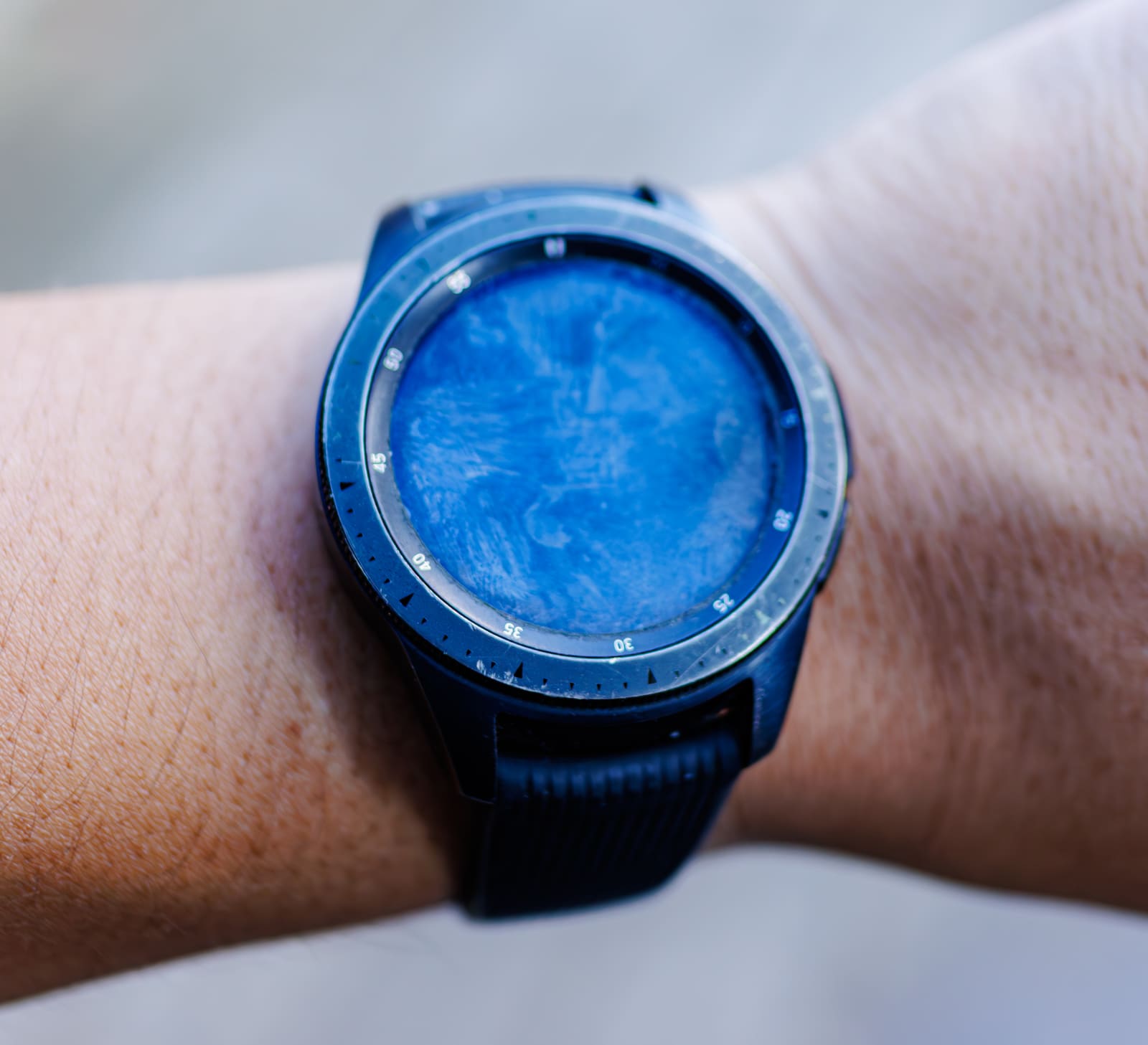
Design-wise, Samsung offers a genuinely round watch face option, which many buyers simply prefer aesthetically to Apple's rectangular design — this is a real, non-trivial factor for people who want their smartwatch to look more like a traditional watch on their wrist.
Third-Party Apps and Longevity
One factor that rarely gets enough attention: how long a smartwatch platform keeps getting meaningful software updates, and how large its third-party app catalog actually is once you look past the built-in health features. Apple's watchOS benefits from the same developer base that supports the iPhone, meaning banking apps, transit apps, and niche fitness apps are far more likely to ship a genuinely useful Apple Watch companion than a Wear OS one. Samsung's Galaxy Watch runs a customized version of Google's Wear OS, which has a smaller and less consistently maintained app catalog — some popular apps have a Wear OS version that's noticeably behind its Apple Watch counterpart in features, or has been abandoned by the developer entirely. This matters less if you only use a smartwatch for notifications, health tracking, and music control, which covers the vast majority of daily use for most owners, but it's a real consideration for anyone hoping to lean on third-party apps heavily.
Update longevity also favors Apple somewhat: older Apple Watch models tend to receive watchOS feature updates for four to five years after release, while Samsung's update commitment on Galaxy Watch hardware has historically been shorter, closer to three to four years, though Samsung has been extending this window in recent generations as it has done with its phones.
Price and Making the Actual Decision
Entry pricing is similar between the two brands' base models, with both companies pushing more expensive "Ultra" or "Pro" tiers loaded with extra battery life, ruggedized cases, and additional sensors aimed at serious athletes. Neither watch is a place to look for a bargain — expect to pay close to flagship-phone-accessory pricing either way, and be aware that extended warranty coverage is worth considering here more than on most gadgets, given how frequently a watch face gets scratched or cracked; our guide on when extended warranties are actually worth buying covers exactly this kind of daily-wear device.
The decision ultimately comes back to the phone in your pocket. If you're an iPhone owner, buy the Apple Watch and don't overthink it further — a Galaxy Watch simply isn't a usable alternative for you, regardless of its longer battery life. If you're a Samsung Galaxy phone owner, the Galaxy Watch's deeper Samsung Health integration and longer battery life make it the clearly better-matched choice over trying to force an Apple Watch into an ecosystem it was never built for — which, again, isn't even possible, since Apple blocks that pairing entirely. The only real open question is for Android users on a non-Samsung phone deciding whether Samsung's ecosystem is worth switching into, and for that group, the Galaxy Watch's standalone features are strong enough to be worth the switch on their own merits, independent of any phone loyalty at all.