Intel Core Ultra vs AMD Ryzen AI vs Apple Silicon: How to Actually Choose a Laptop CPU in 2026
Shopping for a laptop in 2026 means choosing between three genuinely different chip philosophies rather than just comparing clock speeds on a spec sheet: Intel Core Ultra, AMD Ryzen AI, and Apple Silicon. Each takes a different approach to balancing performance, battery life, and software compatibility, and the right choice depends far more on what software you actually run than on which chip benchmarks highest in a review.
Intel Core Ultra: the broadest software compatibility
Intel's Core Ultra line remains the safest choice for maximum software compatibility, particularly for anyone running specialized Windows business software, older enterprise applications, or hardware peripherals with drivers that were never tested against anything but traditional x86 chips. Intel's integrated NPU (neural processing unit) handles on-device AI tasks like background blur in video calls and some local AI features, though it's generally less powerful for sustained AI workloads than AMD's or Apple's equivalents. Battery life on Core Ultra laptops has improved significantly over older Intel generations but still generally trails Apple Silicon in real-world all-day use, particularly under lighter workloads like web browsing and document editing where Apple's efficiency cores have a clearer advantage.
AMD Ryzen AI: strong multi-threaded performance per dollar
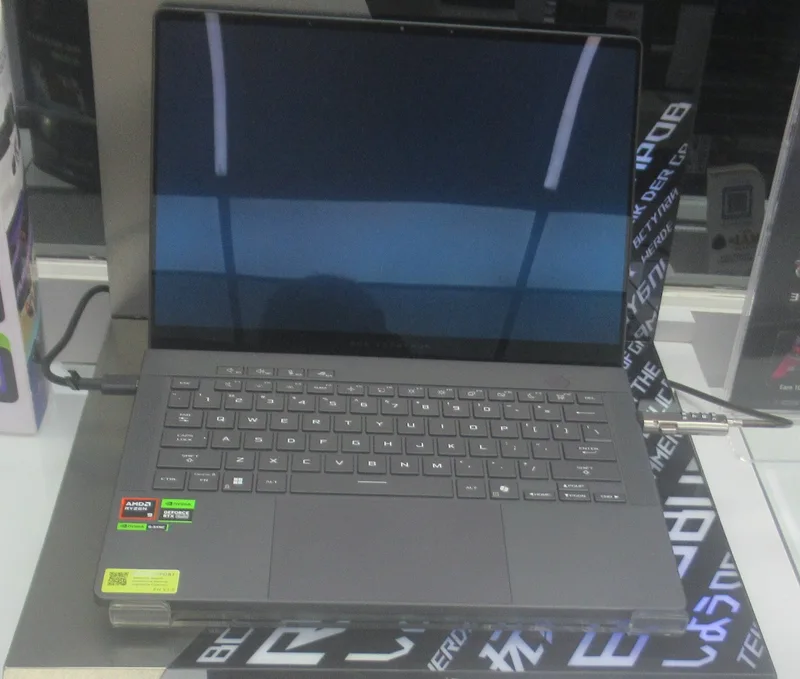
AMD's Ryzen AI chips have carved out a reputation for strong multi-threaded performance at a competitive price point, making them a common choice in laptops aimed at creators and gamers who want to avoid paying an Intel or Apple premium without giving up real performance. Ryzen AI's NPU is generally more capable than Intel's current generation for sustained on-device AI workloads, and AMD's integrated graphics have consistently outperformed Intel's equivalent tier, making Ryzen AI laptops a reasonable choice for light gaming or GPU-accelerated creative work without needing a discrete graphics card. The trade-off is a slightly smaller software and driver ecosystem for AMD-specific optimizations compared to Intel's decades of entrenched enterprise software relationships, though this gap has narrowed considerably in recent years.
Apple Silicon: efficiency and integration, at the cost of flexibility
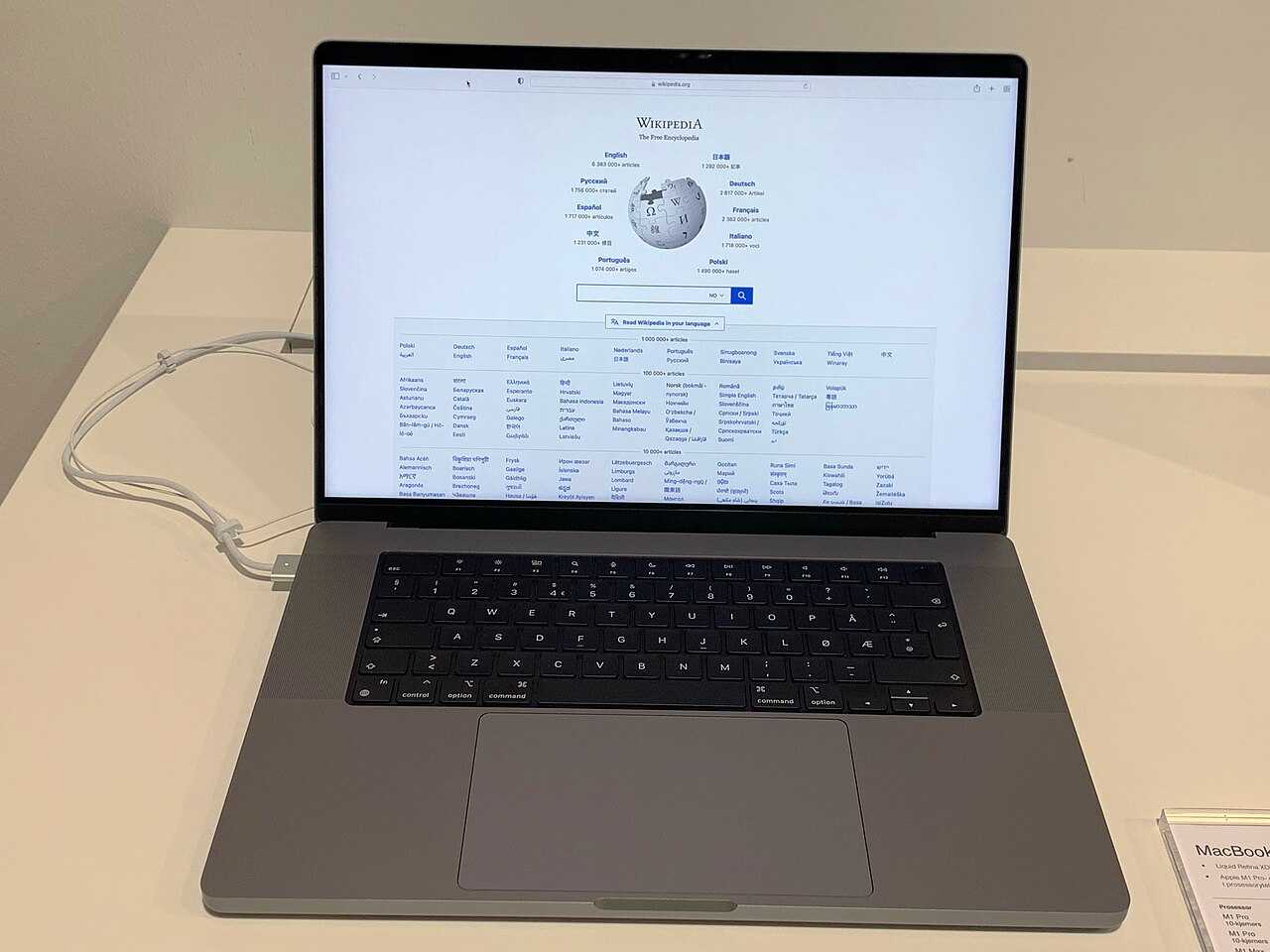
Apple Silicon takes a fundamentally different approach, built specifically for macOS and prioritizing power efficiency and tight hardware-software integration over the flexibility of running arbitrary Windows software. The result is class-leading battery life and near-silent operation under most workloads, plus strong sustained performance for creative applications built specifically for the platform. The trade-off is real: Apple Silicon Macs cannot natively run Windows-only software, and while compatibility layers and cloud-streaming workarounds exist, they add friction that simply doesn't exist for buyers who need to run a specific Windows application for work. Our MacBook Pro chip buying guide goes deeper into choosing between Apple's own base, Pro, Max, and Ultra tiers once you've decided the platform itself is the right fit.
Windows on Arm: a fourth option worth understanding separately
A related but distinct option has emerged in the Windows space: Arm-based chips like Qualcomm's Snapdragon line, powering Copilot+ PCs built around the same efficiency-first philosophy that made Apple Silicon successful, but running Windows rather than macOS. Early versions suffered from patchy software compatibility, since not every Windows application had been rebuilt to run natively on Arm hardware, but that gap has narrowed considerably as more software vendors ship native Arm versions. Our Windows on Arm and Snapdragon Copilot+ PC review covers where that compatibility gap still shows up in practice and which categories of software are most likely to hit friction on an Arm-based Windows laptop today.
On-device AI performance is now a real differentiator
All three major chip families now market dedicated NPU hardware for on-device AI tasks, but the actual capability gap between them is real and worth understanding rather than assuming the marketing claims are interchangeable. Sustained local AI workloads — running a local language model, real-time video processing with AI effects, or on-device transcription — benefit from both raw NPU throughput and the amount of unified or dedicated memory available to feed it, which is part of why Apple Silicon's shared memory architecture has performed well in early on-device AI benchmarks despite not always leading in raw NPU specifications on paper.
Connectivity and expansion vary more than people expect
Chip platform also quietly determines available port standards and expansion options, which is easy to overlook when comparing processors in isolation. Some chip generations support the newest Thunderbolt or USB4 specifications natively while others rely on separate controller chips with more limited bandwidth, which affects how many external displays or how fast an external drive can run. Our Thunderbolt 5 vs USB4 explainer covers what these port standards actually change for multi-monitor and high-speed storage setups, which is worth checking against the specific chip and laptop model you're considering rather than assuming all "USB-C" ports on a spec sheet are functionally identical.
Thermal design and chassis size change the picture too
Chip architecture is only part of the real-world performance story — the same chip can behave very differently depending on how much thermal headroom the laptop chassis around it provides. A thin-and-light laptop built around a high-performance chip will throttle sooner under sustained load than a slightly thicker chassis with better cooling, regardless of which of the three chip families is inside it. This is worth checking specifically for buyers doing sustained heavy work like video export or large compilations, where a review's short-burst benchmark numbers can be misleading compared to how the same chip performs after twenty minutes of continuous load in a specific laptop's actual cooling design.
Longevity and resale value differ by platform too
Software support timelines and resale value also differ meaningfully across the three ecosystems, and it's worth weighing them alongside raw performance rather than treating the purchase as a one-time performance decision. Apple Silicon Macs have historically held resale value well and received several years of macOS updates per generation. Windows laptops on Intel or AMD depend more on the specific manufacturer's build quality and driver support commitment than on the chip brand itself, since Windows as an operating system is updated independently of any single chip maker's roadmap. Buyers planning to keep a laptop for four or more years should weigh this update and resale track record alongside the chip's current-generation benchmark scores, since a slightly slower chip backed by a longer support commitment can be the better long-term value.
A simple framework for choosing
Start with software, not chip benchmarks: if your work depends on specific Windows-only applications, Intel or AMD is the only realistic choice, and the decision between them comes down to whether raw multi-threaded performance per dollar (AMD) or the broadest possible driver and enterprise software compatibility (Intel) matters more for your specific use case. If you're platform-flexible and want the best all-day battery life and quietest operation for mainstream productivity and creative work, Apple Silicon is difficult to beat, provided the specific professional software you rely on has a native Mac version. Test drive the ecosystem when it's practical to do so — a friend's machine, a store demo unit, or even a virtual machine before buying — since platform fit ends up mattering more for daily satisfaction than any specific benchmark difference between the three chip families discussed here. Chasing the highest benchmark number on a spec sheet, without first confirming your actual software runs well on that chip family, is the single most common mistake buyers make in this category.