Laptop Speakers Explained: Why Audio Quality Varies So Much Despite Similar Specs
Laptop speakers have a reputation problem that's mostly earned. For years, the default expectation was thin, tinny sound with almost no bass, good enough for a system alert but not much else, so most people just reached for headphones the moment audio quality actually mattered. That reputation hasn't fully caught up with reality, though, because a handful of laptops now genuinely surprise people who play music or watch video without plugging anything in, while most laptops in the same price range still sound roughly like they did a decade ago. The gap comes down to a few specific engineering decisions that rarely show up anywhere on a spec sheet.
Why laptop speakers are such a hard problem
Good sound, especially anything resembling real bass, fundamentally needs physical space: a speaker driver large enough to move real volumes of air, and an enclosure behind it that gives that air somewhere to go without sounding boxy or distorted. A laptop chassis is about the worst possible shape for that job, thin by design, packed with a battery, motherboard, and cooling hardware that all compete for the same limited internal volume speakers would otherwise use. Every laptop maker serious about audio is fighting the same physics problem: how to fit meaningful driver size and enclosure volume into a chassis that's also trying to be as thin and light as possible, which is the same kind of space-versus-performance tradeoff that shows up in how thin laptop designs force compromises elsewhere.
Driver count and placement matter more than raw size
Because there isn't room for large drivers, the better approach many manufacturers landed on is using more, smaller, specialized drivers rather than fewer generic ones. A four or six-speaker array split between larger woofer-style drivers handling low frequencies and smaller tweeters handling high frequencies produces noticeably fuller sound than the same total driver area crammed into two generic speakers, because each driver only has to reproduce the frequency range it's actually good at. Placement matters just as much as count: speakers firing downward through vents on the bottom of the laptop lose volume and clarity depending on what surface the laptop is sitting on, while side-firing or upward-firing speakers built into the keyboard deck project sound more directly toward the listener and tend to sound more consistent across different desks, laps, and surfaces.
Amplification and tuning do a lot of invisible work
The amplifier driving the speakers, and the software tuning layered on top of it, matter as much as the physical hardware, and this is where a lot of the real difference between similarly specced laptops actually lives. A smart amplifier that monitors driver excursion in real time can push a small speaker harder and louder without distorting or damaging it, extracting noticeably more volume and bass than a conservatively tuned amplifier driving the exact same physical speaker. Software-side tuning, including per-app or per-content equalization and spatial audio processing like Dolby Atmos support, can make a modest set of physical speakers sound considerably more spacious and detailed than the raw driver specs would suggest, which is part of why two laptops with nearly identical hardware on paper can sound clearly different in a side-by-side listening test.
Why Macs built a reputation here and what caught up
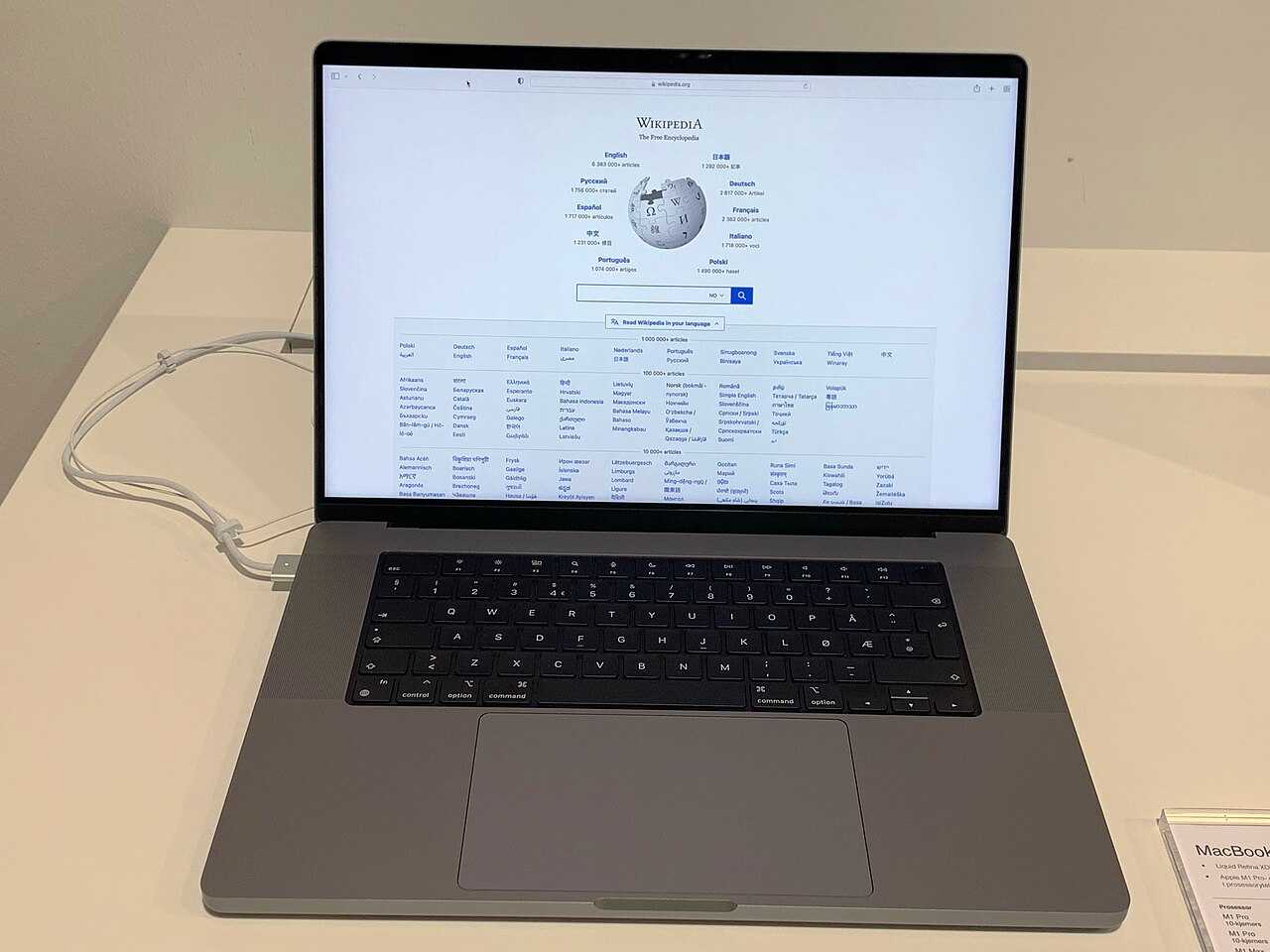
Apple's MacBook Pro line has had an outsized reputation for laptop speaker quality for several years, largely because Apple committed early to a six-speaker force-cancelling woofer design that actively cancels vibration to allow deeper bass without buzzing the chassis, paired with tight software-level tuning across its own media apps. That combination made a real, audible difference that reviewers consistently called out, and it pushed competing Windows laptop makers to invest more seriously in speaker design rather than treating it as a checkbox feature, similar to how competition between platforms has pushed real improvements in other areas covered in how MacBook Pro chip choices actually affect real-world use. Several premium Windows laptops now use comparable multi-driver, force-cancelling designs and genuinely close much of that gap, though it typically remains a feature reserved for higher-end models rather than budget or midrange laptops, where cost pressure usually means speakers are one of the first things trimmed.
Room acoustics and enclosure design play a role too
Even with good drivers and a smart amplifier, the enclosure the speakers fire into matters more than most buyers realize. A speaker chamber sealed properly against the rest of the internal chassis avoids buzzing against loose components or cable runs at higher volumes, something budget laptops occasionally get wrong in ways that only show up once the speakers are actually pushed hard. Vents cut specifically for audio, rather than shared with cooling airflow, also help keep bass response consistent rather than muffled depending on how the laptop happens to be sitting. None of this is something a buyer can inspect before purchase, which is exactly why laptop audio remains one of the areas where trusting a hands-on review matters more than trusting a spec sheet.
What to actually check before buying
Spec sheets rarely list driver count, amplifier design, or whether a laptop supports hardware-level spatial audio, so the more reliable signals are independent audio reviews and demo videos that actually test a laptop's built-in speakers rather than assuming headphones will be used, along with whether the manufacturer specifically markets the audio system as a feature rather than mentioning it in passing. It's also worth factoring in that a laptop built around a premium high-resolution display, the kind discussed in how OLED and Mini-LED displays actually compare, is often marketed as a multimedia machine precisely because its manufacturer paired that screen with a speaker system worth using, while a laptop clearly built around thinness or battery life above all else is a safer bet to disappoint on sound regardless of price.
None of this means headphones or external speakers stop being the better choice for serious listening, they still are. But the days of assuming every laptop sounds equally mediocre are over, and for anyone who regularly watches video or listens to music without headphones nearby, checking how a specific model's speakers actually perform is worth the extra few minutes of research before buying, since the difference between a genuinely good laptop speaker system and a forgettable one has very little to do with anything printed on the spec sheet.