Which MacBook Pro Chip Do You Actually Need? A Practical Guide
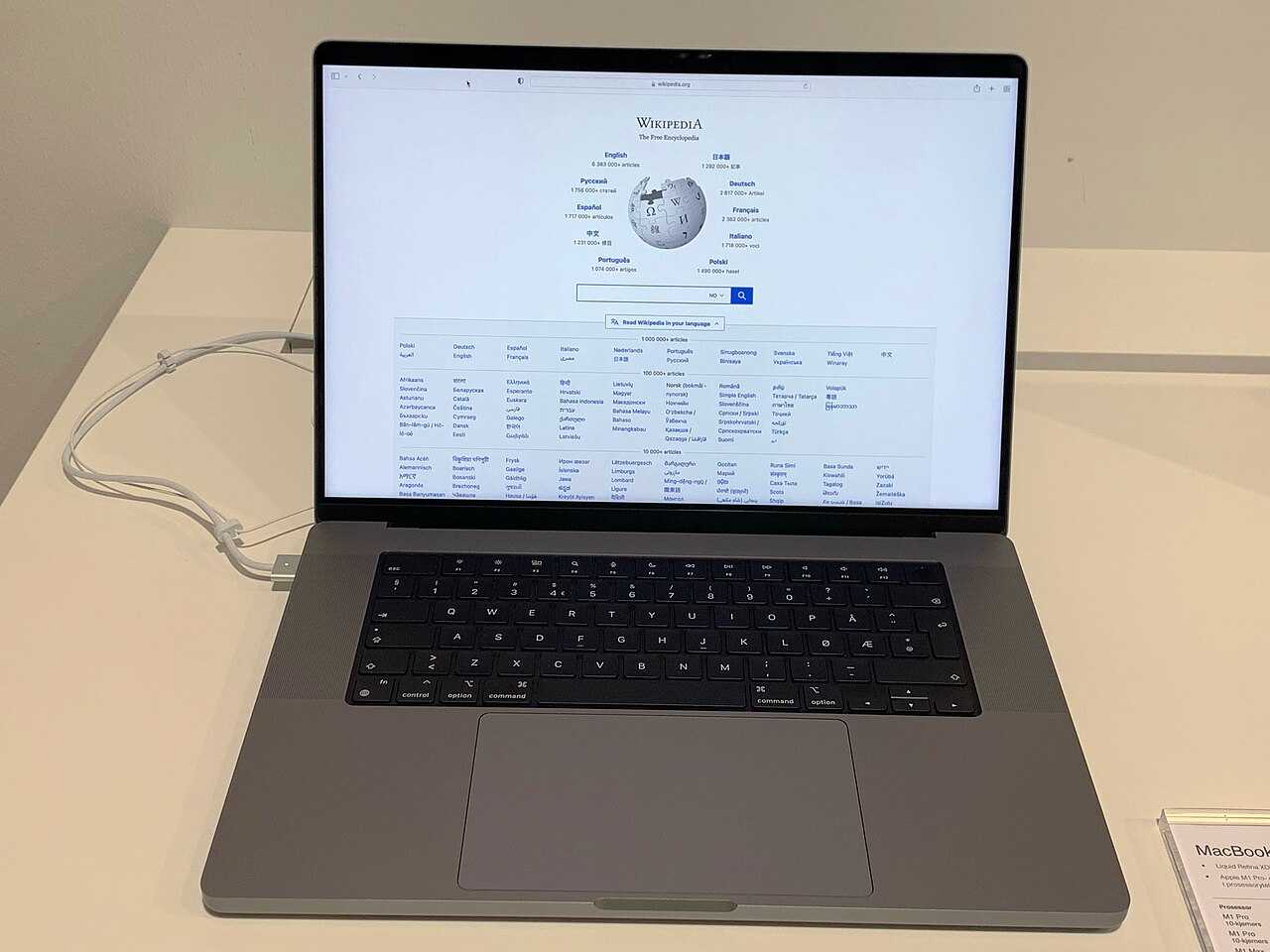
Apple's move to its own silicon turned the MacBook Pro lineup into a four-tier decision (base, Pro, Max, Ultra chip variants), and the naming alone doesn't tell you much. In practice the choice maps onto three distinct buyer profiles.
The base chip 14-inch MacBook Pro is overkill for web browsing and email but is the right call for developers, writers, and anyone doing moderate photo editing — it handles Xcode builds and large Lightroom catalogs comfortably and still gets close to the advertised all-day battery life.
The Pro-tier chip earns its keep specifically on GPU-bound work: multi-track 4K video timelines in Final Cut, 3D texture work, and shader-heavy game development. If your job involves an app with a render progress bar you stare at regularly, this is the tier where that bar gets meaningfully shorter.
The Max and Ultra chips exist for a narrower audience — colorists grading 8K footage, ML engineers running large local models, and audio engineers with sessions full of real-time plugins. Unless you already know you're bottlenecked on unified memory bandwidth, you're very unlikely to notice the difference between Pro and Max in everyday use, and the price gap is substantial.
Memory matters more than most buyers assume: because Apple silicon shares one memory pool between CPU and GPU, 16GB is the realistic minimum for any serious multitasking, and creative professionals editing large files should treat 36GB+ as the real starting point rather than an upsell.