Dell XPS 13: What You Give Up for the Thinnest Windows Laptop in the Room
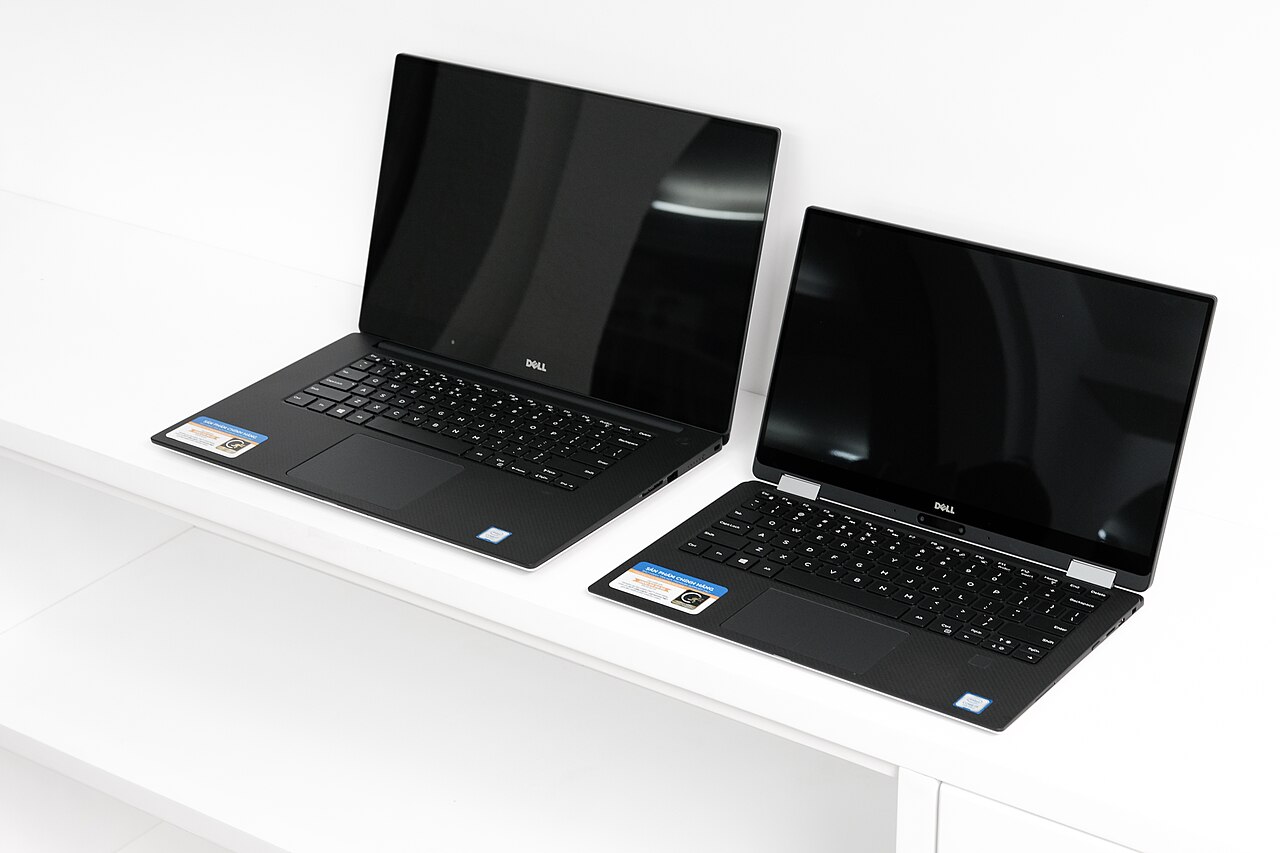
The Dell XPS 13 popularized the nearly-borderless "InfinityEdge" display years before most competitors caught up, and it remains one of the most compact 13-inch Windows laptops you can buy by footprint. That compactness comes with real trade-offs worth knowing before ordering one.
Port selection is the big one: recent XPS 13 revisions ship with just two USB-C/Thunderbolt ports and no dedicated headphone jack on some configurations, meaning a dongle or hub is effectively mandatory for anyone using wired peripherals, external displays, or standard USB-A accessories.
The keyboard is the other polarizing choice. Dell flattened the function row into a touch-sensitive capacitive strip and shrank key travel to fit the ultra-thin chassis — typists coming from a ThinkPad or older XPS model often need a week or two to adjust, and the lack of physical function keys is a real annoyance for anyone who uses F-key shortcuts constantly (video editors, developers with custom keybinds).
What you get in exchange is genuinely class-leading build quality: a machined aluminum chassis, a carbon-fiber or glass-fiber palm rest depending on configuration, and a 3:2 or 16:10 display option (depending on generation) that gives noticeably more usable vertical space than the 16:9 panels still common on cheaper Windows ultraportables.
For anyone whose workflow is genuinely portable-first — writing, browsing, light coding, video calls — the XPS 13's size-to-quality ratio is still hard to beat. For anyone plugging in a docking station and multiple monitors daily, the port limitations make it a worse fit than a slightly bulkier alternative with more native connectivity.