Steam Deck: What You Can (and Can't) Actually Play
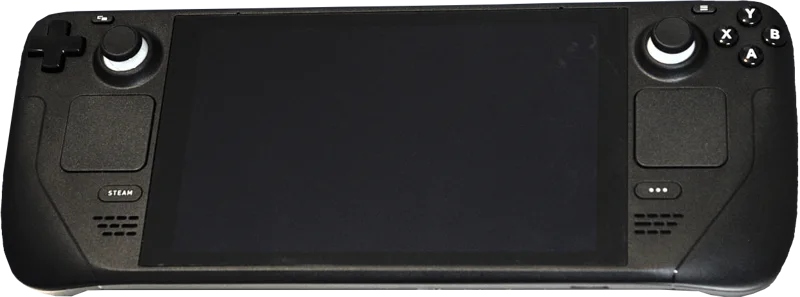
The Steam Deck's core pitch is straightforward: it's a handheld PC that plays your existing Steam library, not a separate walled-garden platform you have to rebuy games for. That's a genuinely different proposition from a Switch or a phone-based cloud-gaming subscription, and it's the single biggest reason the device found an audience beyond typical handheld buyers.
Valve's "Verified" and "Playable" badge system in the Steam store is the practical tool for figuring out what actually works well before buying: Verified means a game runs well out of the box with the Deck's controls properly mapped, Playable means it runs but may need manual tweaks (an on-screen keyboard for text entry, or manual control remapping), and Unsupported means it likely won't run at all, often due to anti-cheat software that specifically blocks the Deck's Linux-based SteamOS.
That anti-cheat issue is worth calling out directly: several major competitive multiplayer titles are Unsupported specifically because their anti-cheat systems haven't been enabled for Linux, not because of a hardware limitation — it's worth checking a specific game's status before assuming raw performance is the blocker.
Battery life is the other honest trade-off. Demanding modern titles at native settings can drain the Deck in under two hours, and getting comfortable multi-hour sessions out of newer AAA games generally means dropping resolution and frame-rate targets manually — the Deck rewards a bit of settings tinkering rather than being a pure plug-and-play experience for its most graphically demanding library.