Smart Lighting Explained: What Philips Hue and Matter-Compatible Bulbs Actually Do Beyond On and Off
A smart bulb screwed into an old lamp can feel like a novelty at first, something you turn on with your voice instead of a switch, but that undersells what smart lighting systems actually do once they're set up properly. Individually addressable color and brightness, automation tied to time of day or presence, and increasingly, compatibility with a single open standard across brands are what separate a genuinely useful smart lighting setup from a gimmick. Here's what's actually happening inside these bulbs and how to think about building a system that won't leave you stuck to one brand.
What makes a bulb "smart" in the first place
A smart bulb contains a small radio, either Wi-Fi, Zigbee, or increasingly Thread, along with a controller chip that lets an app, voice assistant, or automation system independently set its brightness, color temperature, and in color-capable models, full RGB color, all without touching a physical switch. That individual addressability is the real feature: a traditional smart plug controlling a lamp can only turn a whole fixture fully on or off, while a true smart bulb can dim to 20 percent, shift to a warm amber tone in the evening, or turn a specific shade of blue for a movie night, all through software rather than any physical adjustment.
Hub-based systems vs simple Wi-Fi bulbs
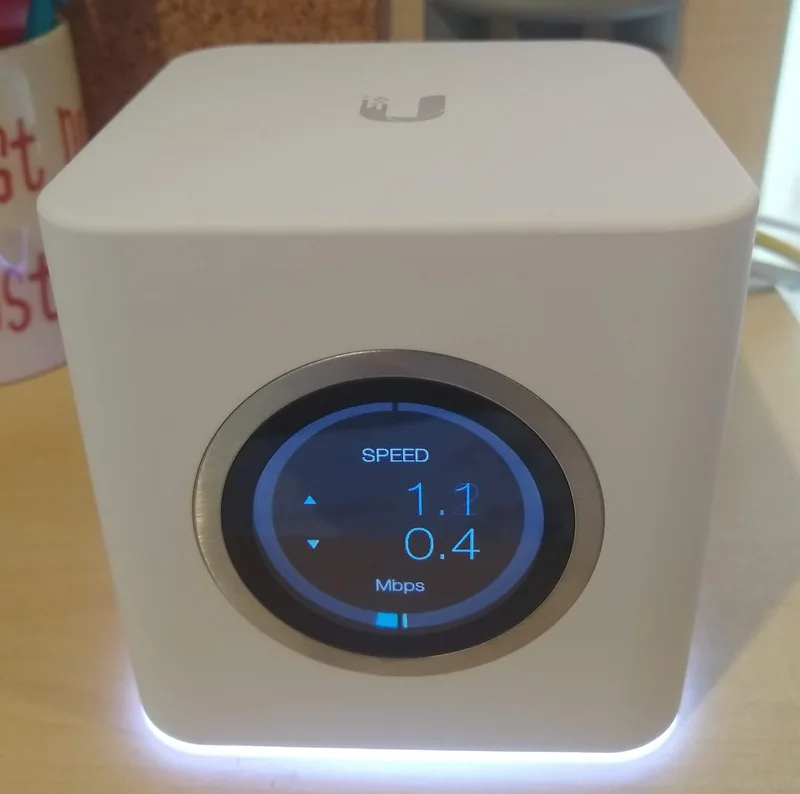
There are two fundamentally different approaches to smart lighting, and the difference matters more than most buyers realize before running into it. Hub-based systems, Philips Hue being the best-known example, use Zigbee or Thread radios that connect to a dedicated bridge device rather than directly to your home Wi-Fi network, which generally means faster response times, more reliable mesh coverage as you add more bulbs, and less congestion on your home router. Simpler Wi-Fi bulbs skip the hub entirely and connect straight to your existing network, which is cheaper and easier to set up but tends to slow down and become less reliable as you add more than a handful of devices, since Wi-Fi wasn't originally designed to handle dozens of small, chatty smart home devices at once, an issue covered more broadly in our guide to mesh Wi-Fi for smart homes and how many connected devices a typical home network can comfortably support.
Where Matter actually fits in
Matter, the industry standard covered in depth in our explainer on what Matter actually changes about smart home compatibility, has started meaningfully simplifying smart lighting specifically, since lighting was one of the first product categories major manufacturers committed to supporting broadly. A Matter-certified bulb can, at least in theory, be controlled through Apple Home, Google Home, and Amazon Alexa simultaneously without needing separate brand-specific apps or accounts for each ecosystem, which matters enormously for lighting in particular since it's usually the smart home category with the most individual devices in a single home, and therefore the one where being locked into a single brand's app becomes the most frustrating over time.
Color temperature and why it's more than a party trick
Beyond full RGB color, which most people use sparingly, tunable white light is the feature that actually gets used daily in a well-configured smart lighting setup. Light color temperature, measured in Kelvin, ranges from a warm, amber-leaning glow around 2700K, comfortable for evening relaxation, up to a crisp, cooler white above 5000K that's closer to daylight and better suited for focused work or task lighting. Some smart lighting systems can automate this shift throughout the day automatically, gradually warming the light tone as evening approaches, a feature sometimes marketed as circadian or adaptive lighting, intended to align indoor lighting more closely with the way natural daylight shifts in color and intensity over the course of a day.
Automations that actually save time
The genuinely useful part of smart lighting isn't manually adjusting a bulb from your phone, it's the automation layered on top: lights that gradually brighten as a sunrise alarm goes off, scenes that instantly set every light in a room to a preset mood with a single tap or voice command, and motion-triggered lighting in hallways or closets that never requires touching a switch. These automations increasingly integrate with other smart home categories too, similar to how the schedules and triggers discussed in our guide to Matter-compatible smart locks can be tied to lighting, a front door unlocking after dark automatically triggering the entry lights to turn on, which is the kind of small convenience that a hub-based, Matter-aware system handles far more reliably than a collection of disconnected single-brand devices.
Energy use: a smaller factor than people assume
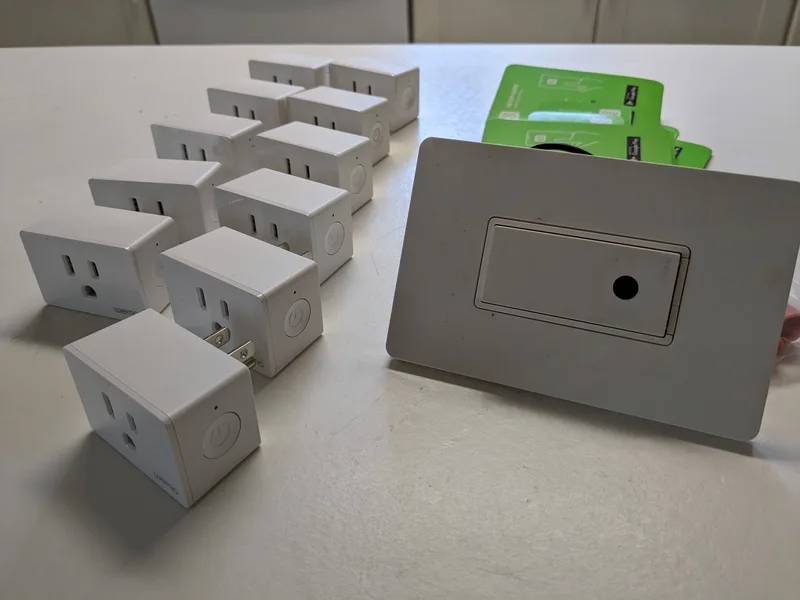
Because smart bulbs are built on LED technology, they're already dramatically more efficient than older incandescent bulbs regardless of the "smart" features layered on top, and the standby power a smart bulb draws while staying connected to the network is genuinely small compared to the lighting energy it saves through dimming and scheduling alone. The bigger energy consideration in a smart lighting setup is usually the hub or bridge itself, plus any additional smart plugs or sensors added to the system, the kind of devices that reveal far more about a home's overall power draw than the lighting itself.
Voice control and grouping multiple rooms
Once a handful of bulbs are installed, most systems let you group them into named rooms and zones, so a single voice command or app tap can control an entire floor rather than one bulb at a time, "turn off the downstairs lights" instead of naming each fixture individually. This grouping is where hub-based systems tend to pull further ahead of simple Wi-Fi bulbs in practice, since a dedicated bridge can process a group command locally and near-instantly, while a collection of independent Wi-Fi bulbs each has to receive and process that same command separately over the home network, which can introduce a visible, slightly staggered delay across a large room, a small but noticeable difference once a household is running a dozen or more bulbs rather than just two or three.
What to actually check before buying
For anyone starting a smart lighting setup today, the most future-proof approach is checking for Thread or Matter support specifically rather than assuming any smart bulb will work smoothly with any voice assistant, since a Thread-based, Matter-certified bulb generally offers the most flexibility to switch ecosystems later without replacing hardware. A single starter kit with two or three bulbs and a hub, if the chosen ecosystem requires one, is a far better first step than filling an entire home with cheap Wi-Fi bulbs from mixed brands, which tend to become genuinely difficult to manage reliably once the count climbs past a handful of devices spread across different apps.