Mesh Wi-Fi for Smart Homes: Do You Actually Need One?
Smart home devices only work as well as the Wi-Fi network carrying their traffic, and a single router sitting in a living room is often the actual reason a smart lock takes ten seconds to respond or a camera drops its live feed. Mesh Wi-Fi systems were built to solve exactly this problem, and as smart homes fill up with more connected devices, understanding how mesh networking actually works, and whether it's worth the upgrade, matters more than it used to.
Why a single router struggles with a smart home
A traditional router broadcasts a Wi-Fi signal from one physical point, and that signal weakens with distance and gets blocked by walls, floors, and appliances. In a typical home, that means rooms far from the router, or on a different floor entirely, end up with a weak or unreliable connection. For a phone or laptop, that's an annoyance. For a smart home, it's a functional problem: a smart lock on a far entryway, a security camera in a detached garage, or thermostats and sensors spread across every room all need a consistently strong connection to respond quickly and stay online.
Smart home devices also multiply the number of things competing for that one router's attention. A household with a video doorbell, several smart plugs, a couple of cameras, smart bulbs, and voice assistants can easily have twenty or more devices connected at once, and older or budget routers weren't designed to manage that many simultaneous connections without slowing down.
How mesh Wi-Fi actually spreads coverage
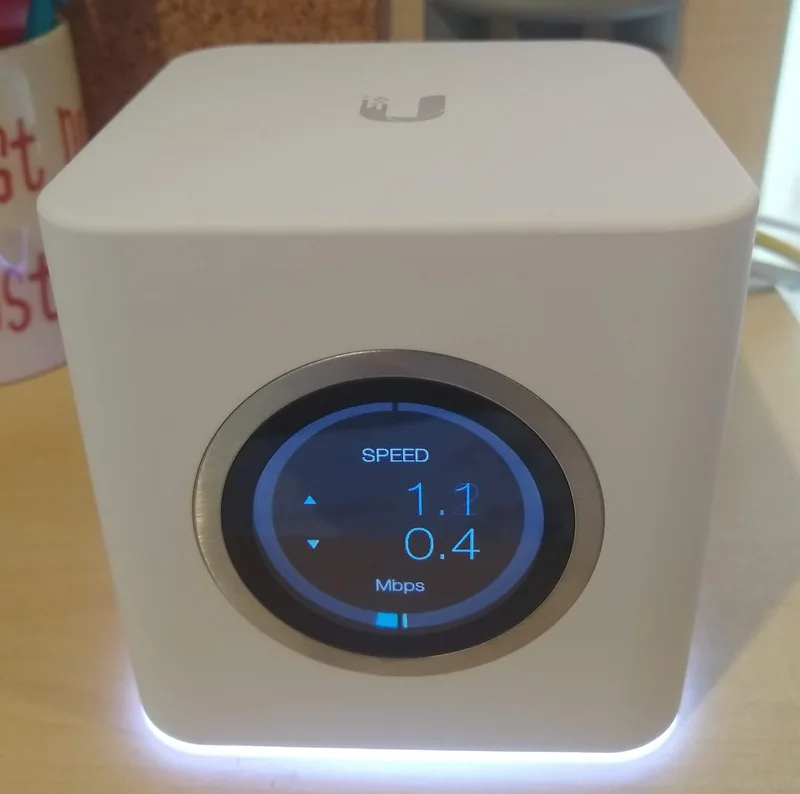
A mesh system replaces the single router with multiple matching nodes placed throughout the home, all working together as one unified network rather than separate Wi-Fi networks with different names. Each node relays the signal to the next, so a device connects to whichever node is physically closest and gets the strongest signal, then hands off automatically to a different node if you move to another part of the house, without ever needing to manually reconnect. This is fundamentally different from an older range extender, which typically creates a second, separate network name and often cuts available bandwidth in half every time it relays a signal, whereas a proper mesh system is designed from the ground up for that kind of seamless handoff.
Most consumer mesh systems use a dedicated wireless band, separate from the one your devices connect to, purely for communication between the nodes themselves. This backhaul channel is what keeps a mesh network from bogging down the way a chain of range extenders often does, since the nodes aren't competing with your actual devices for the same bandwidth.
Where this connects to Matter and smart home standards
Mesh Wi-Fi coverage matters even more now that smart home devices increasingly rely on the Matter smart home standard, which depends on a stable local network to let devices from different brands talk to each other directly rather than routing everything through the cloud. A weak or overloaded Wi-Fi signal undermines that entire premise, since Matter's local-first design only pays off if the local network itself is dependable. Some mesh systems now also include a built-in Thread border router, a low-power wireless protocol that many newer smart home sensors and locks use instead of Wi-Fi directly, which means upgrading to the right mesh system can simultaneously improve your Wi-Fi coverage and add support for an entirely separate class of battery-powered smart home devices.
This overlap with device connectivity also matters for how footage actually gets recorded and stored. As covered in our piece on how smart cameras store video locally versus in the cloud, a camera saving continuously to local storage still needs a reliably fast, low-latency connection to the hub or app streaming that footage, and a weak signal at a far corner of the property is one of the most common reasons local recording setups drop frames or lag during live viewing.
Node placement matters more than node count
Buying a three-node mesh kit doesn't automatically fix coverage if the nodes are placed poorly. A common mistake is clustering all the nodes near each other in the same general area of the house, which leaves the actual dead zones just as weak as before. The general rule is to place each node roughly halfway between the previous node and the edge of its usable range, rather than spacing them evenly by floor plan distance, since walls, floors, and even large appliances like refrigerators and metal ductwork all reduce a node's effective range in ways a simple ruler measurement won't capture.
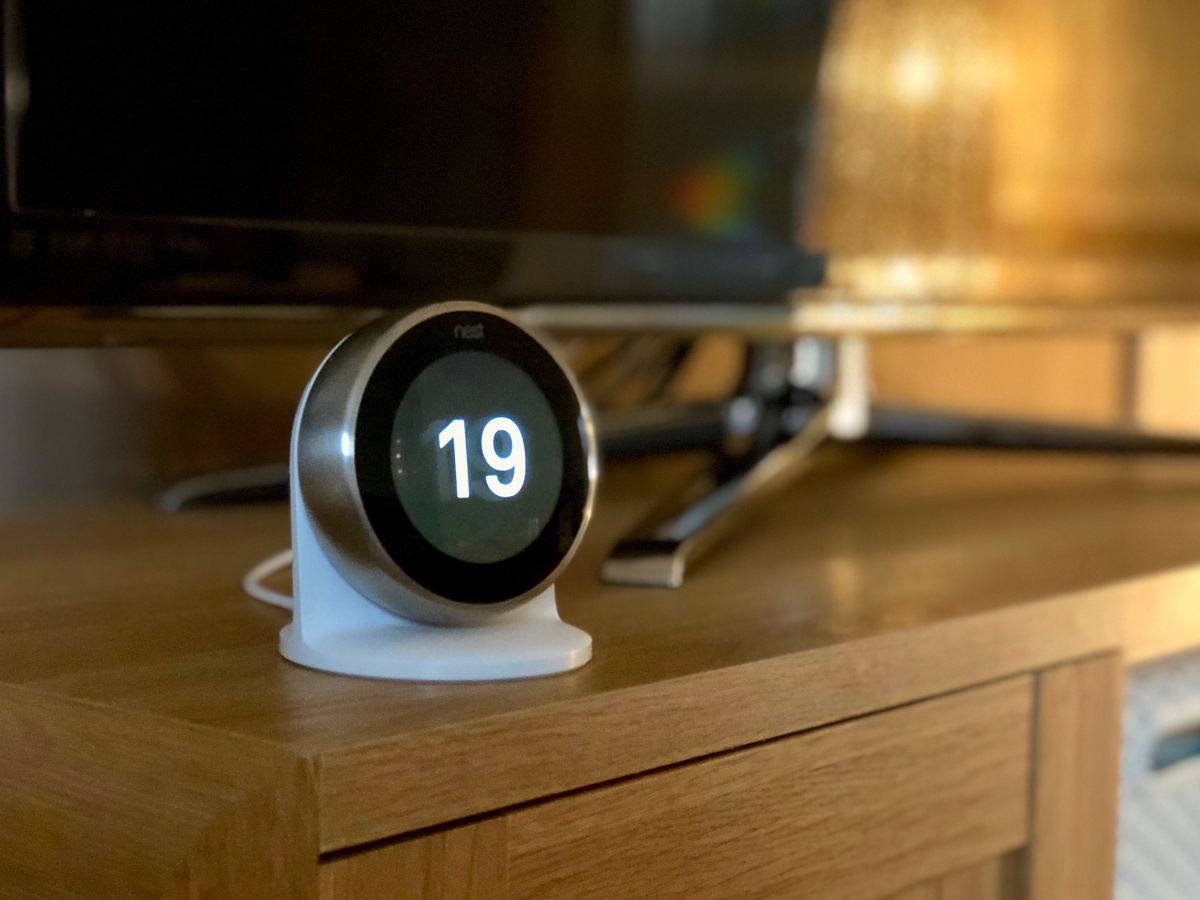
Most mesh apps, including systems built around ecosystems like Google Nest's product lineup, include a signal strength test during setup that shows a live reading as you hold a node in a candidate location, which is a far more reliable way to choose placement than guessing based on the floor plan alone. It's worth running that test in the exact spot a node will actually sit, including inside cabinets or on shelves if that's where it will live day to day, since those enclosed spaces measurably reduce signal strength compared to an open tabletop.
Do you actually need one?
A single strong router is genuinely enough for a small apartment or a home with few connected devices concentrated in one area. Mesh becomes worthwhile once you have a multi-floor home, a large or oddly shaped floor plan with dead zones, or, increasingly, once you have enough smart home devices spread across enough rooms that a single access point can't reliably reach all of them. As a general guideline, homes larger than roughly 1,500 to 2,000 square feet, or anywhere with more than one floor, tend to see the clearest improvement from switching to mesh.
When shopping for one, the number of nodes matters more than the headline speed rating on the box: a three-node mesh system covering a home evenly will almost always outperform a single, more powerful router for smart home reliability, since the whole point is consistent coverage rather than peak speed in one spot. It's also worth checking whether a system supports Thread border router functionality and whether it's Matter-compatible if you're planning to expand your smart home lineup, since that combination future-proofs the network for the direction smart home connectivity is actually heading, rather than just solving today's dead zones.