Ring + Alexa: Building a Single-Ecosystem Smart Home

Amazon owns both Ring and the broader Alexa ecosystem, which means the "should I buy into one company's smart home stack" question is more concrete here than with almost any other combination of devices. Unlike mixing a Google Nest camera with an Apple HomeKit hub, Ring and Alexa are designed by the same company to work together from day one — the question isn't compatibility, it's whether single-vendor lock-in is worth the convenience it buys you.
What "Built Together" Actually Gets You
The practical payoff of running Ring doorbells and cameras alongside Alexa-enabled speakers and displays is real-time announcement integration: an Echo Show can automatically display your Ring doorbell's live video feed the moment someone presses the button, no manual app-switching required, and Alexa can announce "someone's at the front door" through every speaker in the house simultaneously. Competing ecosystems can approximate this with third-party integrations, but the latency and reliability gap between a native Amazon-to-Amazon connection and a Google Assistant or Apple Home bridge to a non-native camera brand is noticeable in daily use — a second or two of extra lag when you're deciding whether to unlock the door for a delivery driver actually matters.
Ring's Alexa Guard feature extends this further: when you tell Alexa you're leaving, connected Ring cameras and any Alexa-compatible smart lights can automatically switch into a more alert monitoring mode, and Guard Plus (a paid tier) adds features like a simulated occupied-home audio routine and direct emergency dispatch through Ring's monitoring service — all triggered by a single voice command rather than manually toggling settings across two separate apps.
The Subscription Reality
This is where the "single ecosystem" pitch gets more complicated. Ring's core functionality — cloud video recording, person detection, and the ability to review footage after an event rather than only during a live view — sits behind a Ring Protect subscription, priced per-device or as a whole-home plan. Buy a Ring doorbell expecting full functionality out of the box and you'll find the free tier noticeably limited: live view works, but stored recordings and advanced motion zones require paying monthly. This isn't unique to Ring (most competing smart camera brands use a similar model), but it's worth budgeting for as an ongoing cost, not a one-time hardware purchase.
Privacy Considerations Specific to This Combination
Ring has drawn sustained scrutiny over its historical data-sharing partnerships with law enforcement agencies through its Neighbors app and associated request tools, and Alexa devices have separately faced questions about how long voice recordings are retained by default. Running both under one Amazon account means your smart home's video and audio data lives inside a single company's infrastructure and privacy policy, for better or worse — there's no natural firewall between "Ring knows who's at my door" and "Amazon's broader ecosystem." Amazon has added more granular privacy controls over recent years, including options to auto-delete voice recordings and opt out of Neighbors law enforcement requests, but the defaults matter for anyone who hasn't gone into settings to change them, and it's worth actually doing so rather than assuming the defaults reflect your comfort level.
Where This Combination Falls Short
Local processing and storage remain a real limitation. Ring's core value proposition depends on cloud connectivity and a subscription, unlike some competing smart camera brands that offer genuine local storage options (a microSD slot or local hub storage) as a subscription-free alternative. If your internet goes down, Ring cameras lose most of their advanced functionality, and Alexa's voice commands for anything beyond basic local device control (turning on a light that's directly paired) generally require an active internet connection too, since the actual voice processing happens in Amazon's cloud rather than on-device.
Setup and Day-to-Day Reliability
Pairing a Ring device with an existing Alexa setup is genuinely one of the simpler smart home onboarding experiences available — the Ring app prompts you to link your Amazon account during setup, and from that point on, new Ring devices generally appear as Alexa-compatible without any separate skill activation or manual linking step that other ecosystem combinations often require. This "it just works" quality is Amazon's biggest structural advantage over assembling a smart home from unrelated brands, where getting a camera, a lock, and a speaker to all recognize each other reliably can involve troubleshooting compatibility issues that simply don't exist when everything comes from one company's connected product line.
Day-to-day reliability has improved substantially over the past few years, though it's not flawless — occasional Alexa announcement delays and Ring app notification lag are still reported by users, generally tied to broader AWS service issues rather than anything specific to the Ring-Alexa pairing itself, since both services run on Amazon's own cloud infrastructure. When Amazon's servers have outages, which happens rarely but does happen, the entire connected stack degrades together rather than failing independently, which is both a strength (consistent behavior) and a weakness (no redundancy across providers) depending on how you think about single-vendor risk.
Who This Combination Actually Makes Sense For
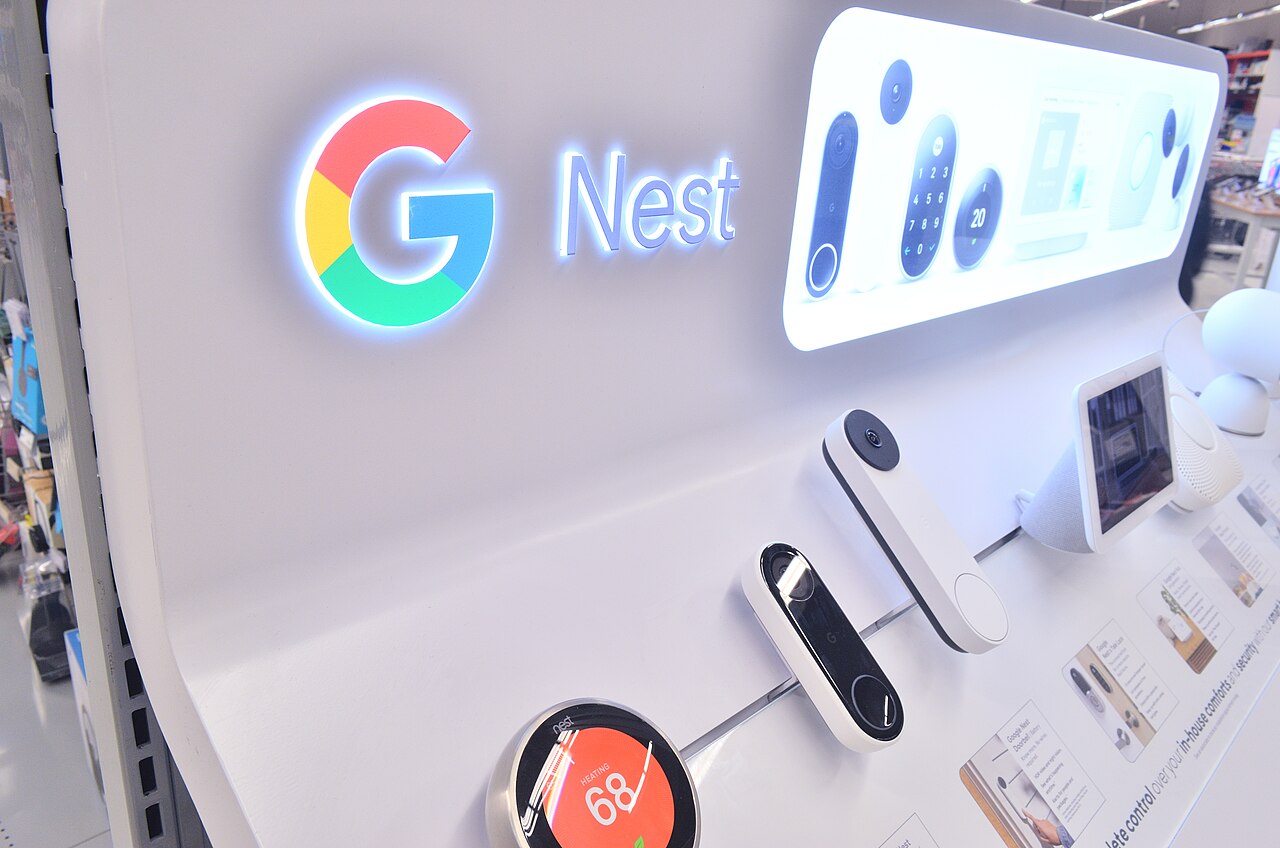
If you're starting a smart home from scratch and don't have strong feelings about avoiding a single company's ecosystem, Ring and Alexa together genuinely deliver the smoothest, most tightly integrated experience available at their price point — better than assembling a mixed-brand system yourself, and more mature than Google's or Apple's equivalent combined camera-and-assistant offerings in several specific areas like doorbell-to-speaker announcement latency. If ecosystem lock-in, ongoing subscription costs, or Amazon's specific privacy track record are dealbreakers for you, that's a legitimate reason to look at Google Nest with Google Home, or a HomeKit Secure Video setup instead — both of which trade some integration smoothness for either lower ongoing costs (HomeKit Secure Video's storage is bundled into an existing iCloud+ subscription many users already pay for) or a different company's privacy posture.
Whichever direction you go, the underlying lesson applies broadly: smart home ecosystems reward committing to one company's hardware more than they reward shopping for the objectively "best" individual product in each category. A slightly less capable doorbell that talks natively to the rest of your setup will usually deliver a better lived-in experience than a spec-sheet winner that requires a third-party bridge to function alongside everything else you already own.