Mini PCs Explained: When a Tiny Desktop Beats a Laptop or Tower
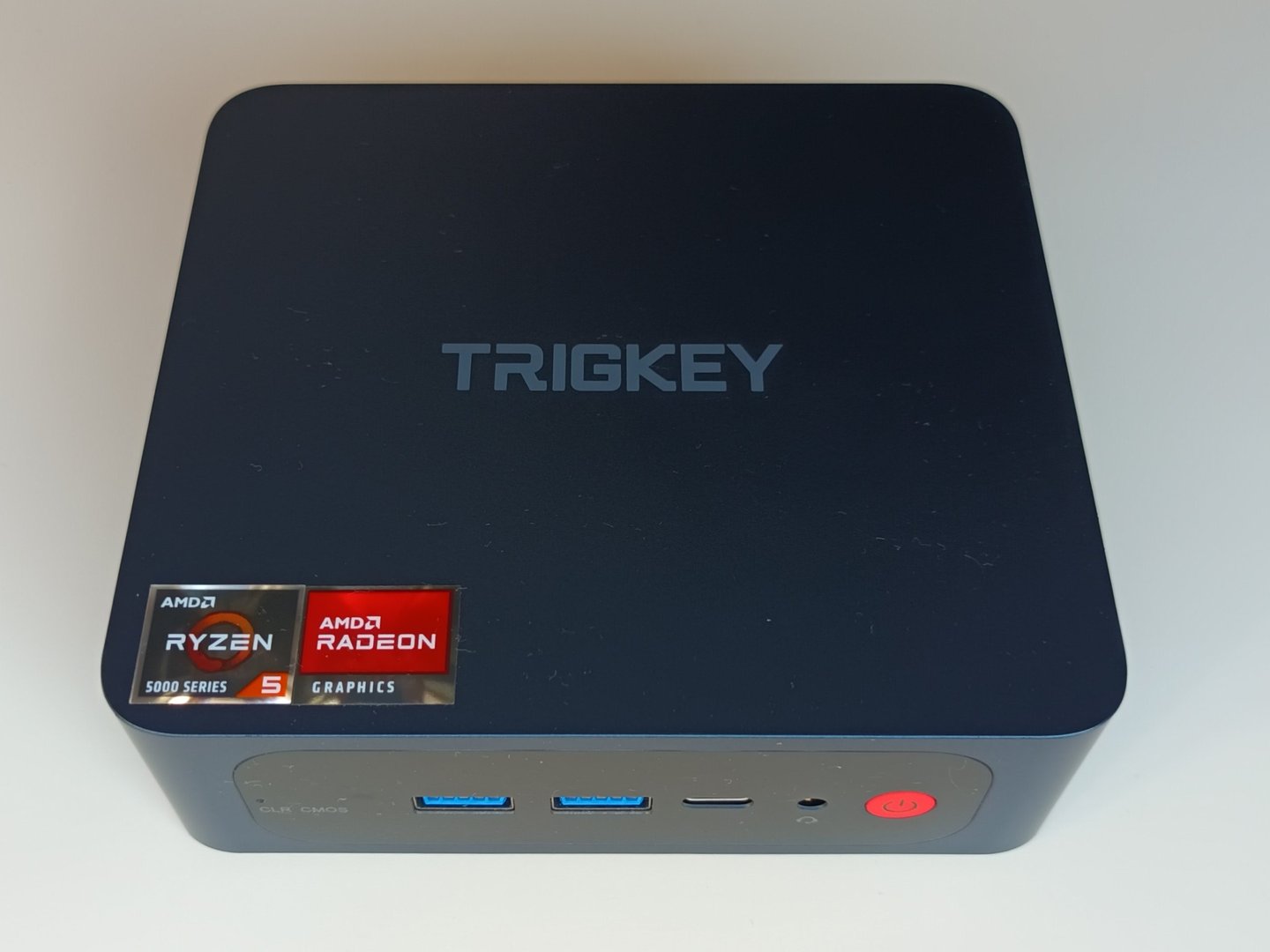
A mini PC is exactly what it sounds like: a full desktop computer shrunk down to a box that can fit in one hand, sometimes small enough to mount on the back of a monitor. They used to be a compromise — underpowered chips borrowed from laptops, crammed into a case with limited cooling and few ports. That is no longer true of the current generation. Modern mini PCs now ship with the same processors found in premium laptops, support multiple high-resolution monitors, and in many cases cost less than an equivalent tower while taking up a fraction of the desk space.
What Changed to Make Mini PCs Actually Good
The biggest shift is on the chip side. Processor makers spent the last several years optimizing designs for laptops, chasing performance-per-watt rather than raw peak performance, because battery life became the thing reviewers and buyers cared about most. Mini PCs inherited those same efficient chips, but without a battery to manage — which means a small box that used to struggle with basic multitasking can now comfortably run demanding creative software, dozens of browser tabs, or light gaming, all while drawing a fraction of the power a traditional desktop tower needs. Our guide to choosing a laptop CPU in 2026 covers the same generation of chips that now power most mini PCs, since the two categories increasingly share silicon.
Port technology caught up too. Thunderbolt and USB4 let a mini PC drive one or more external 4K monitors, external storage, and fast networking all through a small number of compact ports, something that used to require a full-size tower with multiple expansion slots. We go into exactly what those standards enable in our explainer on Thunderbolt 5 vs USB4 — the short version is that a modern mini PC with the right ports can genuinely replace a much bigger machine for most desk-based work.
What You Actually Give Up
The honest trade-offs are real, and worth naming clearly rather than glossing over. Most mini PCs use soldered or otherwise limited memory and storage, meaning you need to decide on RAM and storage capacity at purchase time rather than upgrading later — a very different philosophy from a traditional tower built around swappable components. Graphics performance is the other major limitation: mini PCs rely almost entirely on integrated graphics built into the main chip, since there is rarely room, power budget, or cooling capacity for a dedicated graphics card. That integrated graphics performance has improved dramatically and can handle many current games at modest settings, but it will not match a desktop tower with a proper discrete GPU for demanding gaming or GPU-intensive rendering work — a gap covered from the gaming side in our breakdown of PC gaming's real cost versus console.
Cooling is the other constraint. A small sealed box has less room for airflow than a full tower, so a mini PC's chip will generally run at lower sustained performance under a long, heavy workload than the identical chip would in a bigger case with more thermal headroom — the difference shows up mainly in extended, demanding tasks like long video exports rather than everyday use.
Where a Mini PC Genuinely Wins
For general desk work — browsing, documents, spreadsheets, video calls, light photo editing, and streaming — a mini PC with a decent modern chip is plenty, and the difference from a full tower is invisible in daily use while saving a significant amount of desk space and, often, money. They are also a strong fit for a secondary or family computer, a home server or media-center box, or a compact setup for a small apartment or dorm where a tower simply does not fit the space. Because they draw far less power at idle and under light use than a desktop tower, they also tend to run quieter and cooler in a room, which matters if the machine sits near where you sleep or work.
They make particular sense paired with an existing monitor, keyboard, and mouse, since you are only replacing the computer itself rather than an entire desk setup — unlike a laptop, where you are paying for a built-in screen, keyboard, battery, and chassis every time, whether or not you actually need to move the machine around.
Where a Laptop or Tower Still Makes More Sense
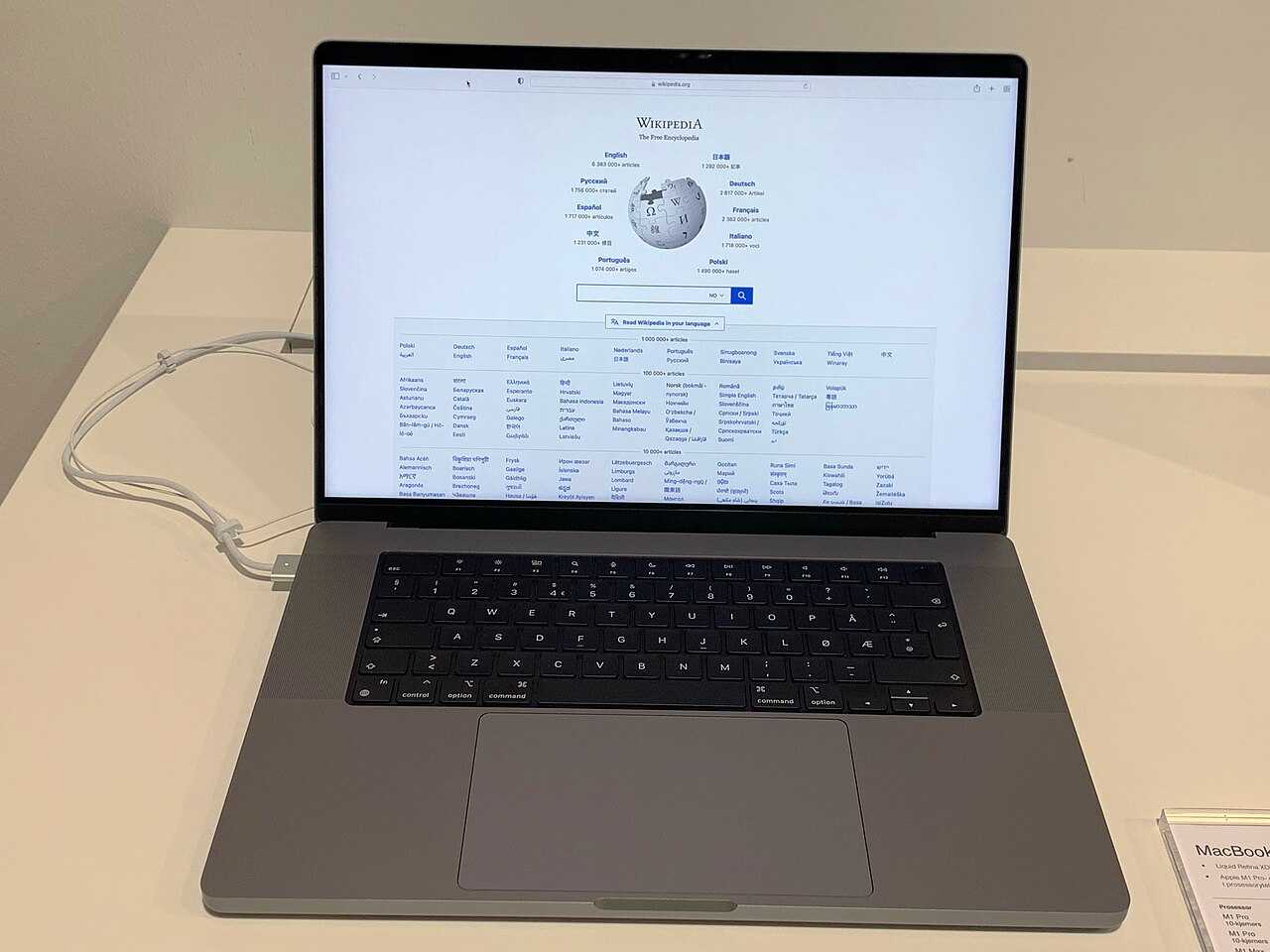
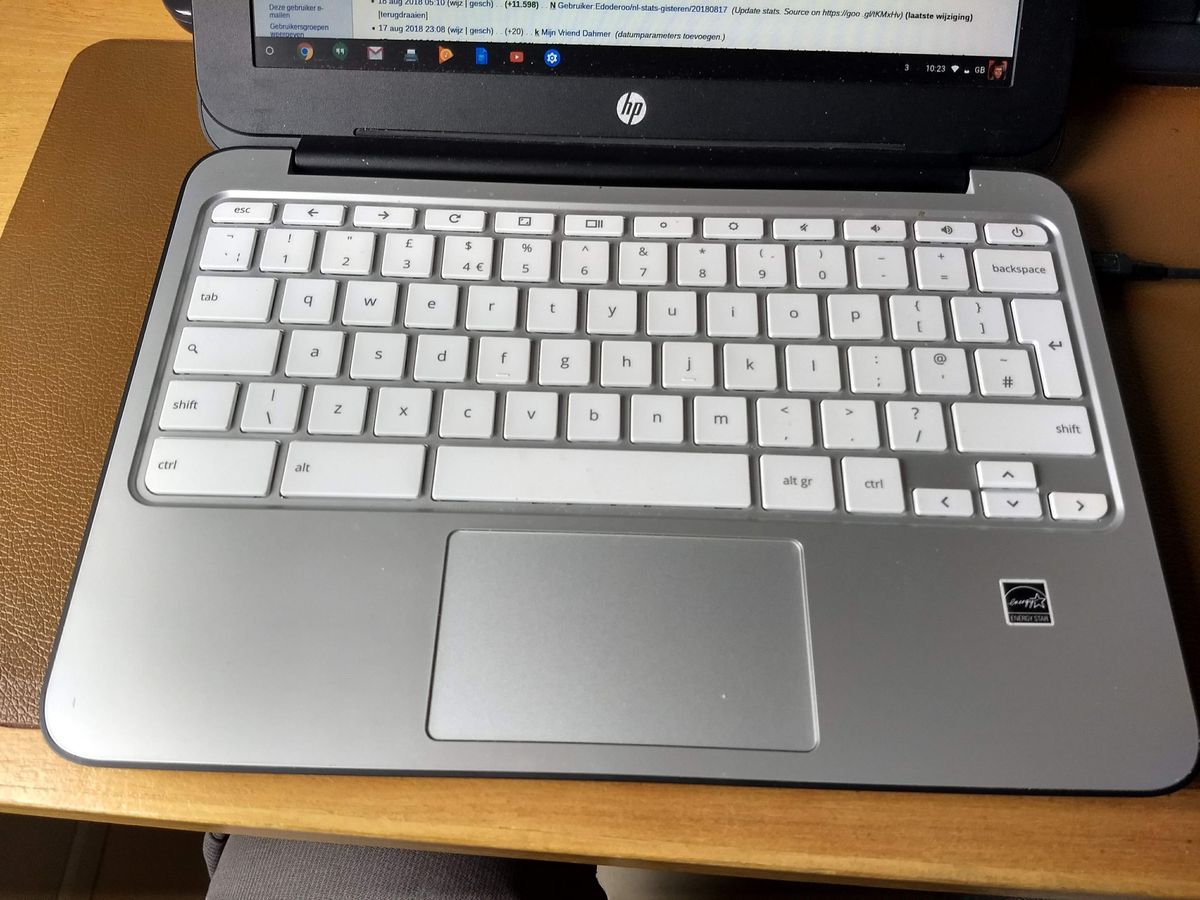
If portability actually matters — working from cafes, traveling, or moving between rooms regularly — a laptop remains the obvious choice, since a mini PC still needs a monitor, keyboard, and power outlet to function at all. And if your work involves serious gaming, 3D rendering, video editing with GPU acceleration, or anything else that leans hard on a discrete graphics card, a traditional tower is still the more sensible investment, both for raw performance and for the ability to upgrade individual components — memory, storage, and graphics card — as your needs change, rather than replacing the whole machine.
What to Check Before Buying One
Because mini PCs vary enormously in what they include, it is worth checking a few specifics before buying: how much RAM and storage are built in and whether either can be expanded later, which display outputs are included and how many external monitors they can drive at what resolution, and whether the specific chip inside is a genuine current-generation laptop-class processor rather than an older, cheaper part being sold at a discount. Reviews that include sustained workload testing, not just quick benchmark snapshots, are the most reliable way to judge how a specific model actually behaves once it warms up under real use.
The Bottom Line
Mini PCs have gone from a compromise product to a legitimately good option for a large share of desktop users, thanks largely to the same efficient chip designs that transformed laptops over the past several years. They are not a universal replacement for a gaming tower or a full-size laptop, but for anyone whose computer mostly lives on a desk doing everyday work, a mini PC is worth serious consideration — often at a lower price and a much smaller footprint than the alternative.