How Much RAM Does a Laptop Actually Need in 2026? 8GB vs 16GB vs 32GB

RAM is the single spec most likely to make a laptop feel slow years before the processor does, and it's also the spec most laptop shoppers get wrong, either by overspending on capacity they'll never use or, more commonly, by buying a machine with too little and having no way to fix it later. With most modern ultraportables soldering memory directly to the motherboard, the RAM decision made at checkout is often permanent for the life of the machine, which makes it worth understanding properly rather than defaulting to whatever configuration happens to be cheapest.
What RAM actually does, in practical terms
RAM, short for random-access memory, is where a computer temporarily holds everything it's actively working with: open applications, browser tabs, background processes, and the data those programs need immediate access to. It's fundamentally different from storage, covered in our companion look at how modern laptop ports and data transfer actually work, in that RAM is fast but temporary, everything in it clears when the laptop shuts down, while storage is slower but permanent. When a laptop runs low on available RAM, the operating system starts shuffling data to and from the storage drive to compensate, a process called swapping, and because even fast storage is drastically slower than RAM, this is exactly the moment a laptop starts to feel sluggish, apps take longer to switch between, browser tabs reload themselves, and everything feels a half-step behind.
8GB: fine for very little, frustrating for most
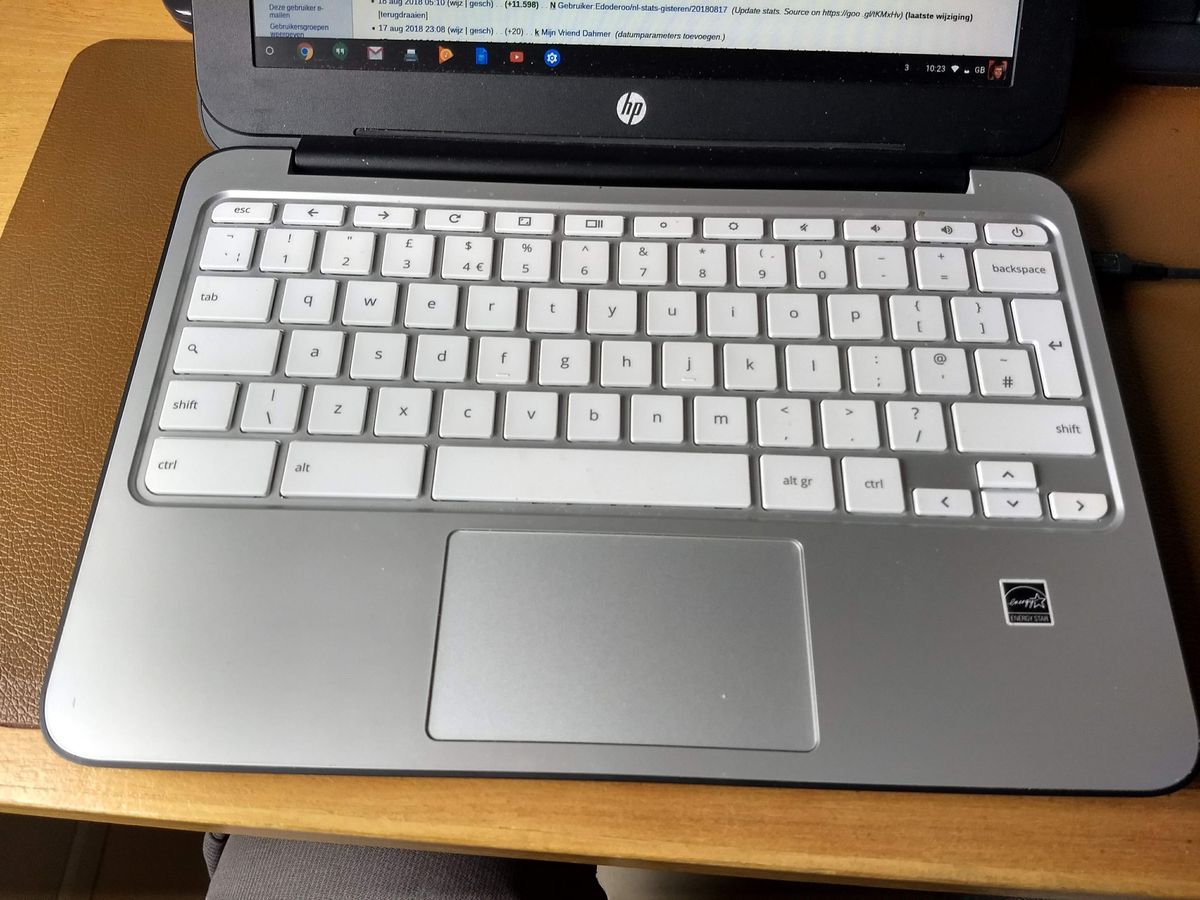
An 8GB laptop can genuinely handle basic tasks: web browsing with a modest number of tabs, word processing, email, and video streaming. Where it struggles is the layering that defines how most people actually use a laptop today, a browser with a dozen tabs open, a video call running in the background, a chat app, and a document editor simultaneously can push an 8GB system into swapping territory quickly. Modern browsers in particular are memory-hungry, with each tab and extension consuming its own chunk of RAM independently, and background AI-assisted features now built into many operating systems and productivity apps add further steady memory pressure that didn't exist a few years ago. 8GB configurations still exist mainly at the budget end of the market and on some Chromebooks, where the operating system itself is lighter, but for a primary Windows or macOS laptop it's increasingly a compromise rather than a sensible baseline.
16GB: the realistic default for most people
16GB of RAM has become the practical sweet spot for a general-purpose laptop in 2026, comfortable enough for heavy multitasking, dozens of browser tabs, video calls, and typical productivity software without regularly hitting a wall. It's also become the default starting configuration on most mainstream laptops from major manufacturers, a shift that reflects how much heavier everyday software has gotten rather than any single demanding use case. Light photo editing, casual coding work, and running one or two resource-heavier applications alongside normal multitasking all fit comfortably within 16GB for most users, which is why it's the configuration worth treating as the realistic minimum rather than settling for 8GB to save money upfront.
32GB and beyond: for specific, real workloads
32GB stops being about smoothness and starts being about specific tasks that genuinely consume large amounts of memory: video editing with high-resolution footage, running multiple virtual machines, working with very large spreadsheets or datasets, 3D rendering, or running local AI models of the kind covered in our explainer on what running AI locally with tools like Ollama actually requires, which can consume a large share of available memory just to load a model before any work even begins. Software developers working with resource-heavy build tools, containers, or multiple emulators also routinely benefit from 32GB or more. Buying this much RAM for ordinary browsing and office work is genuine overkill, the difference won't be noticeable in daily use, but for the workloads it's actually built for, it's not a luxury, it's a requirement.
Why "soldered" RAM changes the buying decision
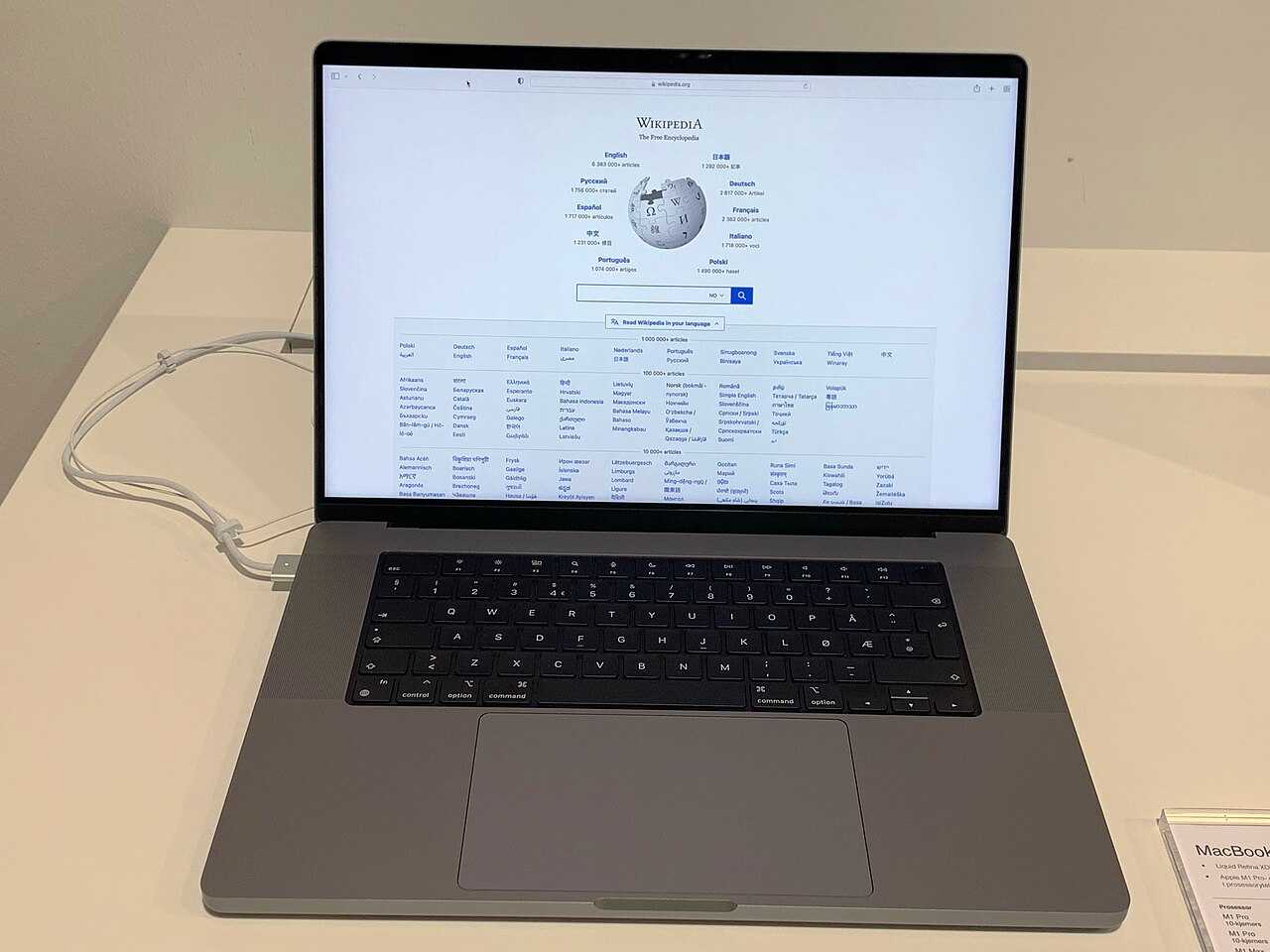
The upgradeability question has become nearly moot on most modern thin-and-light laptops. Manufacturers increasingly solder RAM directly onto the motherboard to save space and improve power efficiency, a trend that started with the thinnest ultraportables and has since spread to most of the mainstream lineup, including most MacBooks and a growing share of Windows laptops. This means the RAM configuration selected at the time of purchase is typically the RAM the laptop will have for its entire useful life, there's no add-a-stick-later option the way there often was with older laptops that used replaceable memory modules. Some laptops, particularly certain business and gaming models along with repairable designs like the Framework laptop, still use upgradeable memory modules, and for anyone who values that flexibility or wants to defer the RAM decision, checking whether a specific model uses soldered or socketed memory before buying is a genuinely important step, not a minor technical detail.
RAM speed and channel configuration matter too
Capacity gets most of the attention, but the speed of the RAM and whether it's running in dual-channel or single-channel mode also affects real-world performance, particularly for integrated graphics, which borrow system memory to render images and benefit noticeably from faster, dual-channel configurations. Two 8GB modules running in dual-channel mode will generally outperform a single 16GB module of the same total capacity and rated speed, because dual-channel setups let the processor read and write memory across two lanes simultaneously instead of one. This is a secondary consideration behind raw capacity for most buyers, but it's worth checking a laptop's specific memory configuration, not just the total gigabyte figure, when integrated graphics performance for light gaming or creative work matters.
How to actually decide
The honest framework is to buy for the heaviest realistic workload the laptop will face over its full ownership period, not just what feels sufficient on day one, since a laptop that ships with too little RAM can't be fixed with a future upgrade the way it often could a decade ago. For someone doing primarily web browsing, documents, and streaming, 16GB is the sensible baseline in 2026 rather than a premium upgrade. For creative work, development, or working with local AI tools, 32GB is worth the added cost specifically because those workloads have concrete, measurable memory requirements rather than a vague sense of wanting "more." And for anyone genuinely unsure which category they fall into, erring upward is the safer bet precisely because soldered memory configurations can't be changed after the purchase, while paying for capacity that goes unused is, at worst, a minor waste rather than a permanent limitation that shortens how long the laptop stays comfortable to use.