In-Display Fingerprint Sensors Explained: Optical vs Ultrasonic Scanning
Almost every phone sold today unlocks with a touch of a finger, but the sensor doing that work is one of the least-understood pieces of hardware in the device. Two fundamentally different technologies share the same "in-display fingerprint sensor" label, and the difference between them explains why some phones unlock instantly in bright sunlight while others struggle with wet fingers, why certain models charge a premium for the feature, and why a scratched screen protector can suddenly make a phone impossible to unlock. Understanding how optical fingerprint sensors differ from ultrasonic fingerprint sensors also explains a security distinction that rarely makes it into marketing copy: one technology reads a flat picture of your fingerprint, and the other reads its actual three-dimensional shape.
How optical in-display sensors actually work
Optical fingerprint sensors are the more common and less expensive of the two technologies, and they work on a principle that's closer to a tiny camera than a traditional security scanner. When a finger touches the display, the screen itself briefly lights up a small patch of OLED pixels underneath the fingertip. That light reflects off the ridges and valleys of the fingerprint and bounces back down through a pinhole or lens array to a small image sensor mounted beneath the display stack. The sensor captures a two-dimensional image of the fingerprint pattern, and software compares that image against the stored enrollment data.
Because this approach only needs an OLED panel and a camera-like sensor, it's relatively cheap to manufacture at scale, which is why it has become the default choice on mid-range and even budget phones that still want an in-display sensor rather than a rear-mounted capacitive one. The tradeoff is that optical sensors can be fooled more easily than people assume: a sufficiently detailed printed or gelatin replica of a fingerprint, the kind that requires deliberate effort and prior access to a clean print, has been demonstrated to unlock optical sensors in security research, since the sensor is fundamentally reading a flat image rather than verifying that the object touching it has any physical depth.
How ultrasonic sensors take a different approach entirely
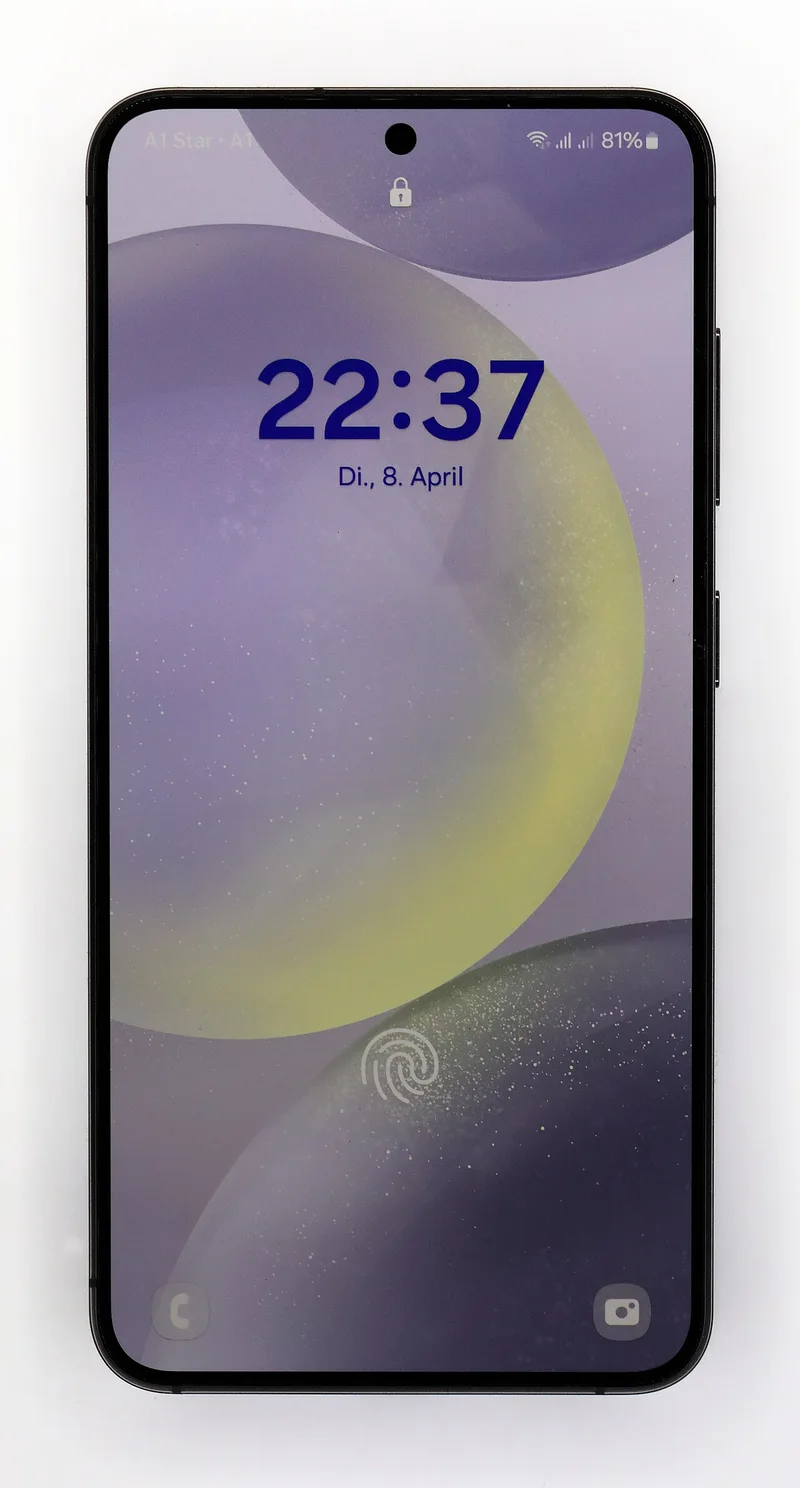
Ultrasonic fingerprint sensors, most associated with Qualcomm's sensor technology found in Samsung's Galaxy S and Note-series flagships, work on a completely different physical principle. Instead of capturing light, the sensor emits a high-frequency ultrasonic pulse, inaudible sound above the range of human hearing, that travels up through the display and into the finger. That pulse partially reflects back down to the sensor, and because ridges and valleys reflect sound waves differently, and because sound also picks up subtler details like sweat pores and the sub-surface structure of skin, the sensor can reconstruct an actual three-dimensional map of the fingerprint rather than a flat picture.
This depth-mapping capability is what makes ultrasonic fingerprint sensors meaningfully harder to spoof with a printed or shallow fake. A flat replica that would pass an optical scanner's flat-image comparison typically fails an ultrasonic scan because it lacks the physical depth and density variation a real finger produces. The tradeoff runs the other way in day-to-day convenience: ultrasonic sensors have historically been pickier about registration, needing consistent finger pressure and placement, and earlier generations struggled noticeably with wet fingers because water disrupts how ultrasonic waves propagate through the contact point, sometimes requiring several attempts in a steamy bathroom or after a workout.
Why wet fingers, screen protectors, and sunlight all behave differently
These physical mechanisms explain several everyday frustrations that otherwise seem random. Optical sensors generally handle wet fingers a little better than early ultrasonic sensors did, because they're reading reflected light rather than sound propagation, though extreme moisture can still scatter light and cause failed reads on either type. Third-party screen protectors are a bigger practical issue for optical sensors: any protector that isn't specifically designed for in-display fingerprint compatibility can distort the light path from OLED to sensor, and manufacturers explicitly recommend certified "fingerprint-compatible" protectors for exactly this reason. Ultrasonic sensors are more forgiving of screen protector thickness since sound travels through solid material more predictably than light bends through it, but thick or air-bubbled protectors can still dampen the ultrasonic signal enough to cause misreads.
Direct sunlight causes different problems for each. Optical sensors can be overwhelmed by intense ambient light interfering with the sensor's own light readings, occasionally causing failed unlocks outdoors on the brightest days. Ultrasonic sensors are essentially immune to ambient light interference since they don't rely on it at all, which is one of the quieter advantages Samsung has leaned on in comparisons with optical-sensor competitors.
The security difference that matters more than speed
Marketing materials tend to emphasize unlock speed, and modern versions of both sensor types are fast enough in practice that the difference is barely perceptible to most users. The more meaningful distinction is the security model underneath. Because 3D depth mapping from an ultrasonic sensor captures information a flat image simply cannot, it raises the bar significantly for the kind of spoofing attacks that have occasionally been demonstrated against optical sensors in controlled research settings. For most people, this distinction won't matter in daily life, since the person most likely to access an unlocked phone is unlikely to have the tools or motivation to fabricate a depth-accurate fingerprint replica. But for anyone who uses fingerprint unlock to guard sensitive information, banking apps, secure messaging, or a device managed under enterprise policy, it's a real and underexplained difference between two features that look identical on a spec sheet.
The physical sensor also interacts with the display technology built into the phone. Manufacturers place the sensor beneath a specific pixel region of the OLED panel, which is one more reason display choices covered in our breakdown of phone screen refresh rates aren't purely about smoothness, the same panel stack has to accommodate the sensor hardware sitting directly underneath it. Sensor placement and the display seal around it also intersect with a phone's water resistance rating, since the same seams and adhesive discussed in our guide to what IP68 water resistance actually protects against have to remain intact around the sensor cutout for both the display and the biometric hardware to keep functioning correctly over years of use.
Does the sensor wear out over time?
Unlike a physical button, an in-display sensor has no moving parts to mechanically wear down, but real-world reliability still degrades gradually for both types. Optical sensors can become less accurate as a screen protector accumulates micro-scratches directly over the sensor area, since those scratches scatter the reflected light the sensor depends on. Ultrasonic sensors are somewhat more resistant to this specific issue since sound isn't scattered by surface scratches the way light is, but a cracked or improperly reseated display after a repair can misalign the sensor enough to reduce accuracy noticeably. This is one more reason the practical lifespan of a phone, covered in our guide to how long a phone should actually last, isn't only about battery health and software support, but also about how well the physical sensors underneath the glass continue performing years after the phone left the factory in pristine condition.
Which one should actually influence a buying decision
In practice, sensor type is rarely the deciding factor when choosing a phone, and it shouldn't be treated as one in isolation. Optical sensors on current-generation flagships are fast and reliable enough for daily use, and the security gap only matters in genuinely high-stakes scenarios. Ultrasonic sensors offer a real, measurable security advantage and better outdoor performance, but they're currently concentrated in a narrower set of devices, mostly Samsung's higher-end lineup, and command no meaningful convenience advantage for someone who just wants their phone to unlock reliably. Anyone specifically prioritizing biometric security, rather than convenience alone, is the one buyer for whom this distinction is genuinely worth researching before purchase, since it's rarely highlighted clearly in retail spec sheets or in-store displays.