Building a Gaming PC in 2026: What Actually Matters When Choosing Parts
Every "best parts to buy" list for a gaming PC goes stale within months as new graphics cards and processors launch and prices shift. What doesn't go stale is the underlying logic for how to actually allocate a budget across components, and that framework matters more than any specific part recommendation, since it's what lets someone adapt to whatever's actually available and reasonably priced at the moment they're ready to buy.
The graphics card should get the largest share of the budget
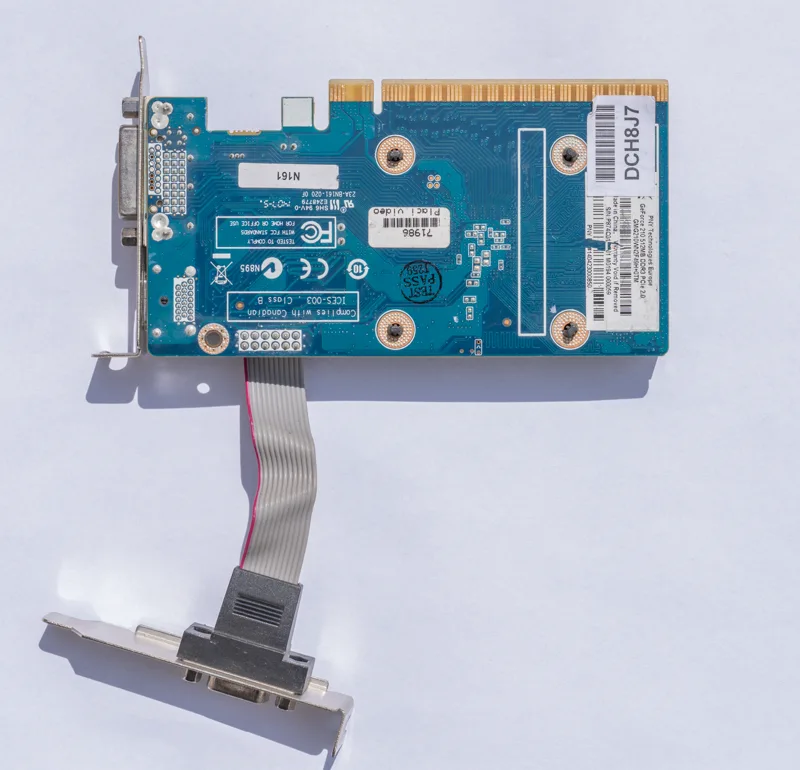
For gaming specifically, as opposed to general productivity or content creation work, the graphics card does more to determine actual in-game performance than any other single component, and it should generally receive the largest individual line-item in a gaming PC budget, often 30 to 40 percent of total spend depending on target resolution. A common and costly mistake is overspending on a processor while pairing it with a mid-range or budget graphics card, producing a system that's needlessly bottlenecked on the component that actually renders frames. The right graphics card tier depends heavily on target resolution and refresh rate: a 1080p, 60fps target needs dramatically less GPU horsepower than pushing high frame rates at 1440p or 4K, so it's worth locking in a monitor and resolution target before finalizing a GPU budget rather than the other way around, a decision covered in more detail in our guide to how much graphics card VRAM you actually need for gaming.
The processor matters, but less than people assume
A capable mid-range processor from a recent generation is sufficient for the vast majority of gaming workloads once paired with an appropriately matched graphics card, and spending aggressively on a top-tier CPU while under-provisioning the GPU is one of the most common budget-allocation mistakes in PC building. Where CPU choice matters more than average is in specific scenarios: competitive titles that are heavily CPU-bound and prioritize very high frame rates, simulation and strategy games that lean on single-core performance for complex calculations, and any system also expected to handle heavy background tasks like streaming or video encoding simultaneously with gaming. For a build focused purely on maximizing gaming performance per dollar, a mid-range current-generation processor paired with the strongest graphics card the remaining budget allows will typically outperform the reverse allocation in the games that actually stress a system's graphics pipeline the most.
RAM capacity and speed both matter, but capacity matters more
16GB remains a reasonable baseline RAM capacity for gaming in 2026, though 32GB has become the more future-proof recommendation as game memory requirements continue climbing and as more people run background applications, browsers, and Discord alongside a game session. Memory speed, measured in MHz, does affect gaming performance measurably, particularly on certain processor architectures more sensitive to memory bandwidth than others, but the effect size is generally smaller than the jump from an insufficient capacity to an adequate one. In practice, this means prioritizing hitting an adequate capacity tier first, then choosing a reasonably fast kit within that capacity rather than chasing the highest-clocked memory kit available at a capacity that's actually too small for comfortable multitasking alongside gaming.
Storage speed matters less than people expect, but capacity matters more than ever
A solid-state drive of some kind is effectively mandatory for a modern gaming PC at this point, since game load times and open-world streaming performance depend heavily on storage speed, but the jump from a SATA SSD to a fast NVMe drive matters far less for most games than people assume, with only a small number of titles specifically engineered to take advantage of the fastest available NVMe speeds. What matters more in practice is simply having enough capacity, since modern game install sizes routinely exceed 100GB each, and running out of drive space to comfortably keep a rotating library installed is a far more common real-world annoyance than storage speed limiting frame rates. A 1TB or larger drive is a sensible minimum for anyone planning to keep more than a handful of current-generation titles installed simultaneously.
Power supply and case are not the place to cut corners
It's tempting to treat the power supply and case as the least interesting parts of a build and buy the cheapest options available, but this is one of the few places where cutting corners creates real risk rather than just a minor performance compromise. A low-quality power supply from an unreliable manufacturer can deliver unstable power that causes crashes or, in worse cases, damages other components, while a case with genuinely poor airflow can bottleneck an otherwise well-chosen graphics card and processor by preventing them from sustaining their rated boost performance under load. Neither component needs to be the most expensive option on the market, but both benefit from sticking to established, well-reviewed manufacturers rather than optimizing purely for the lowest price, a lesson that applies just as much to the total real cost of PC gaming as it does to any individual component choice, since a failed power supply that takes other parts down with it erases any money saved buying it cheap.
Putting the budget allocation together
A workable rule of thumb for a balanced gaming build is roughly: graphics card getting the largest single share, processor and motherboard together getting a meaningfully smaller share, memory and storage each getting a modest, non-negotiable minimum rather than the cheapest available option, and power supply plus case treated as a reliability investment rather than a place to save money. This framework holds up regardless of what specific parts are currently available or priced competitively, which is the actual value of thinking in proportions rather than memorizing a specific parts list that will be outdated within a single product cycle. It's also worth deciding upfront whether upscaling technology like the kind covered in our explainer on DLSS, FSR, and XeSS is part of the performance plan, since leaning on upscaling can meaningfully shift how much raw GPU horsepower is actually needed to hit a given frame rate target at a given resolution, potentially freeing up budget to reallocate elsewhere in the build.